
Creator Knowledge Base
Screen & Facecam Recording Guides
Ten practical workflows covering iOS internal audio, floating Picture-in-Picture camera framing, silent-recording fixes, Mac display capture, and MP4 resolution choices.
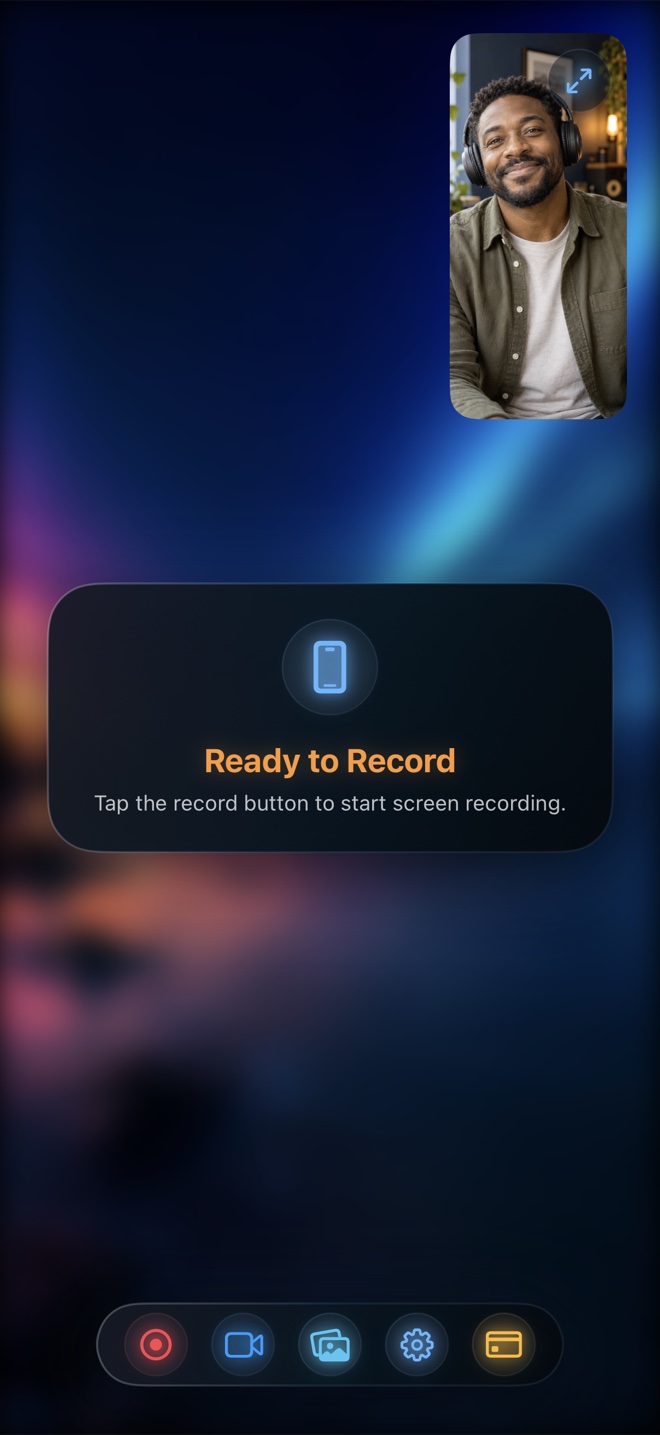
How to Record iPhone Screen with Both App Sound and Your Voice
Capture crisp in-app sound alongside spoken narration on iPhone and iPad. Learn how iOS broadcast audio routing works, how to balance levels, and how to export a clean MP4.
Read workflow guide →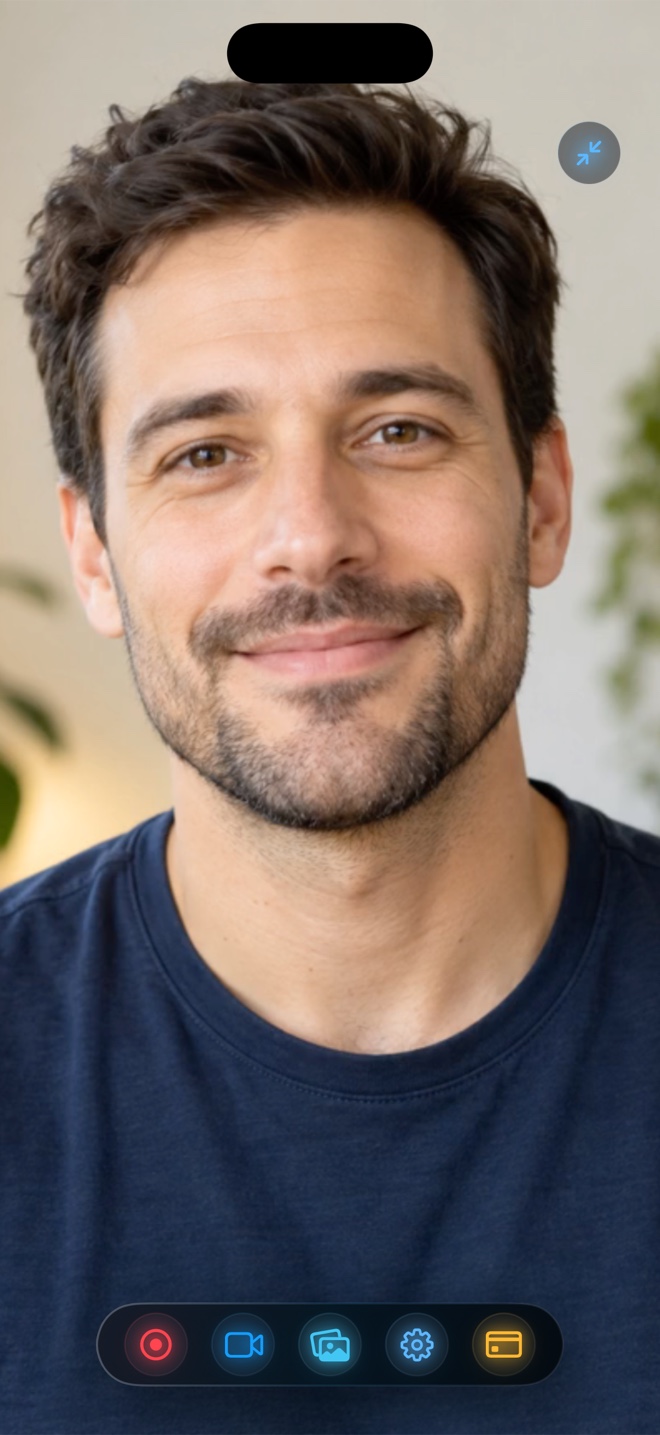
How to Keep a Floating Facecam Visible While Switching iPhone Apps
Learn how to keep your live camera bubble on screen while recording other apps on iPhone and iPad using Picture-in-Picture alongside iOS screen broadcast.
Read workflow guide →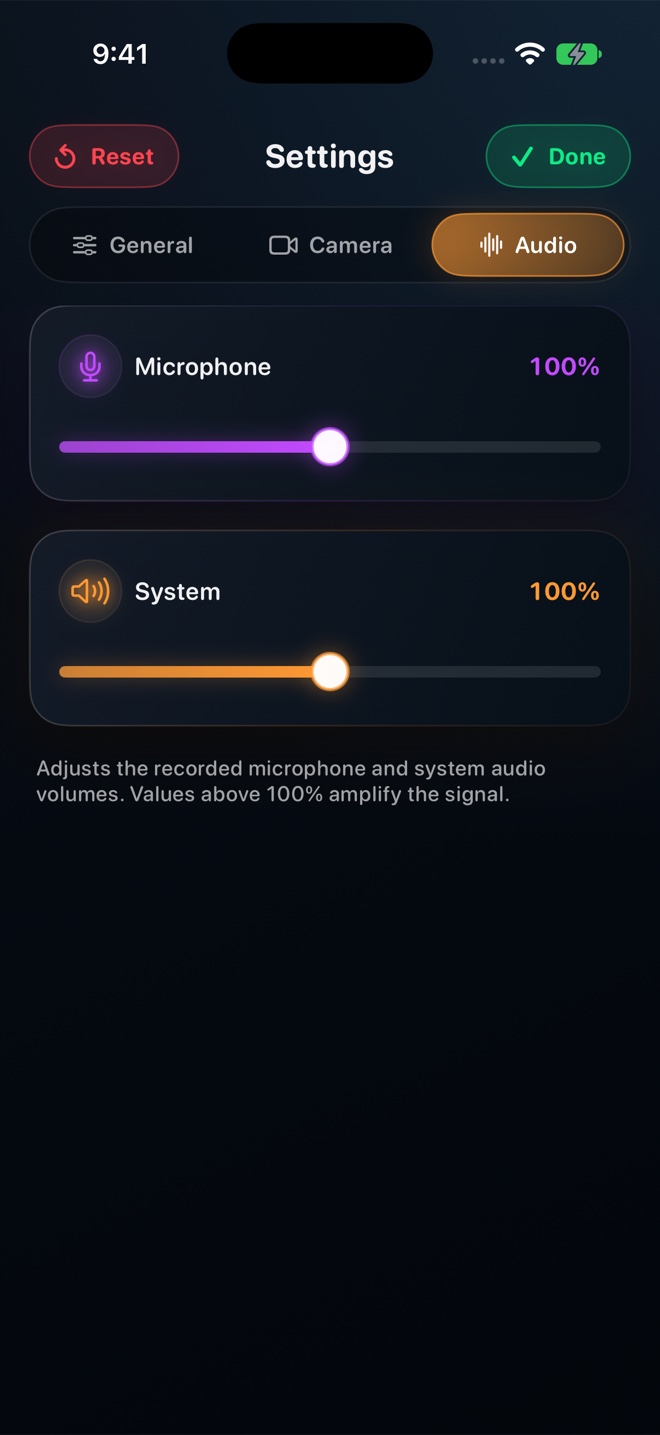
iPhone Screen Recording Has No Sound? 7 Causes and Fast Fixes
Diagnose silent screen recordings on iPhone and iPad in under two minutes: broadcast mic state, hardware mute switch, audio session conflicts, DRM, and track settings.
Read workflow guide →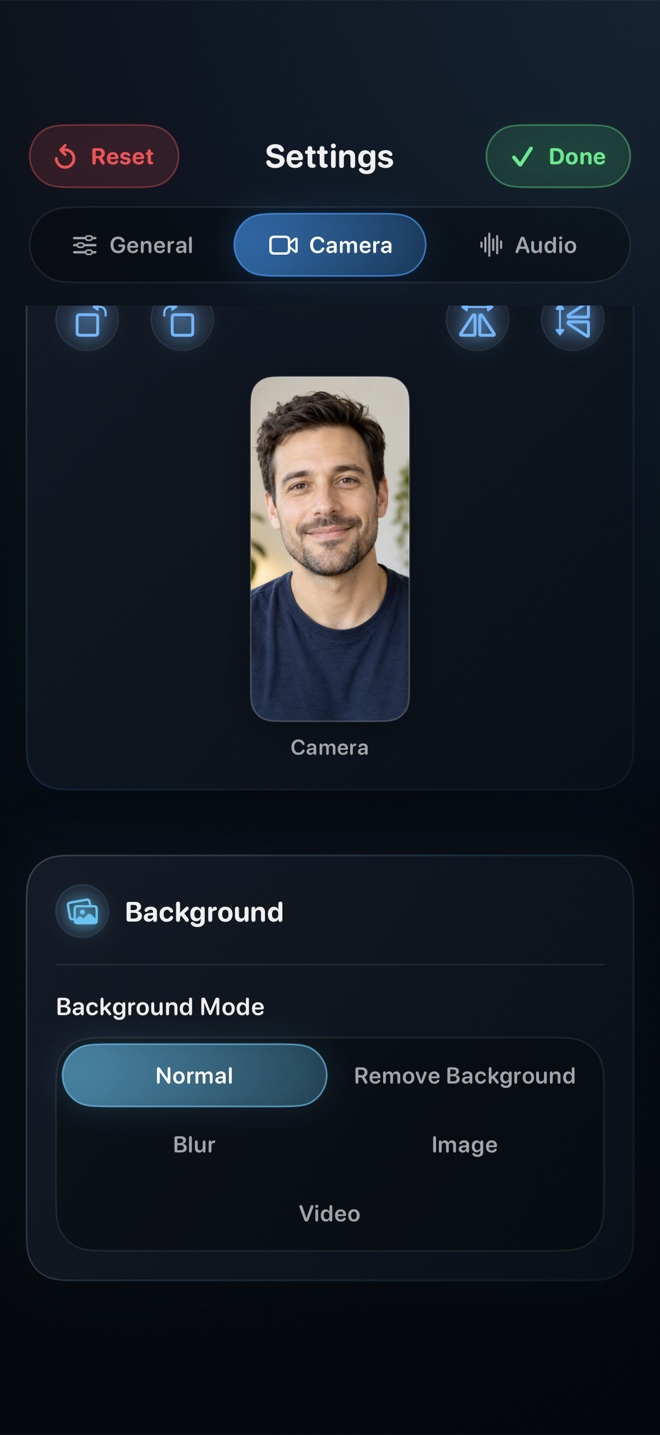
Recording Your Mac Display and Facecam Without Window Clutter
Record a clean macOS walkthrough with your face composited in frame, H.264 MP4 output, 30/60/120 fps options, and Reel's control window hidden from the capture.
Read workflow guide →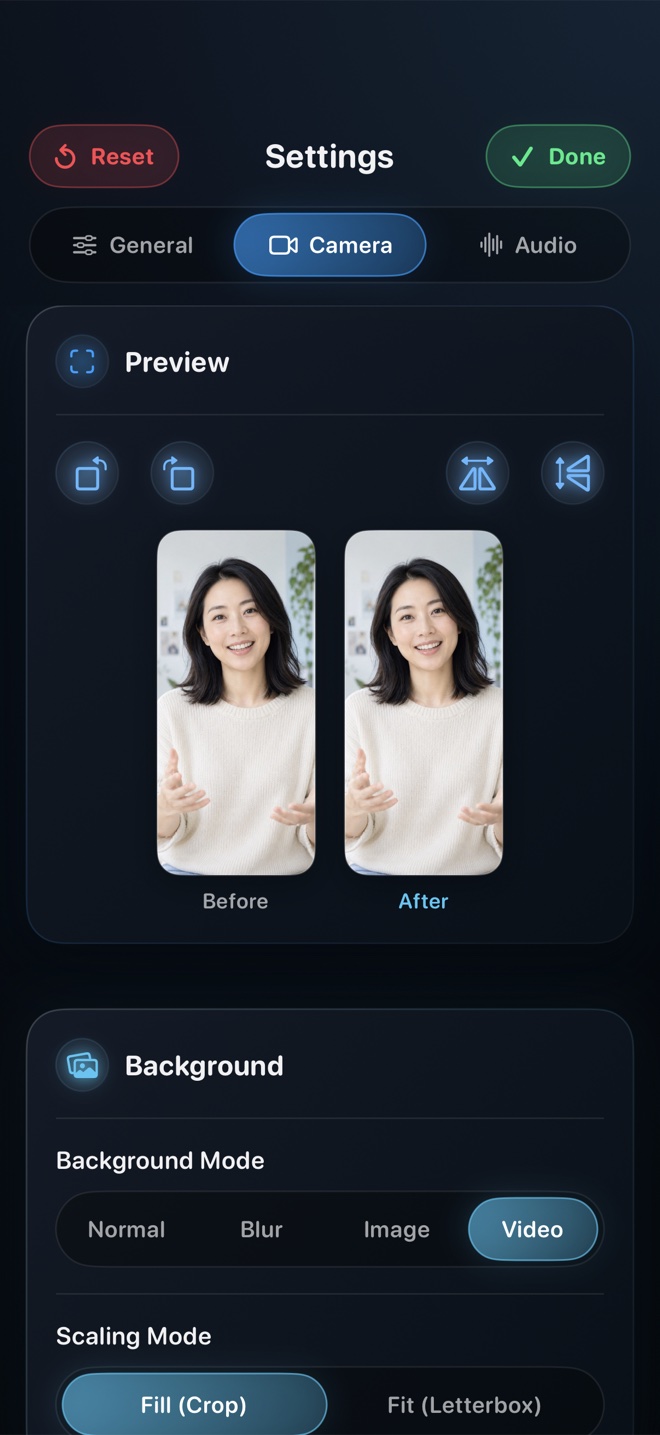
Framing a Picture-in-Picture Presenter Overlay That Never Blocks the Action
Practical layout, eye-line, lighting, and corner-choreography rules so your Picture-in-Picture facecam adds trust to screen tutorials without hiding key buttons.
Read workflow guide →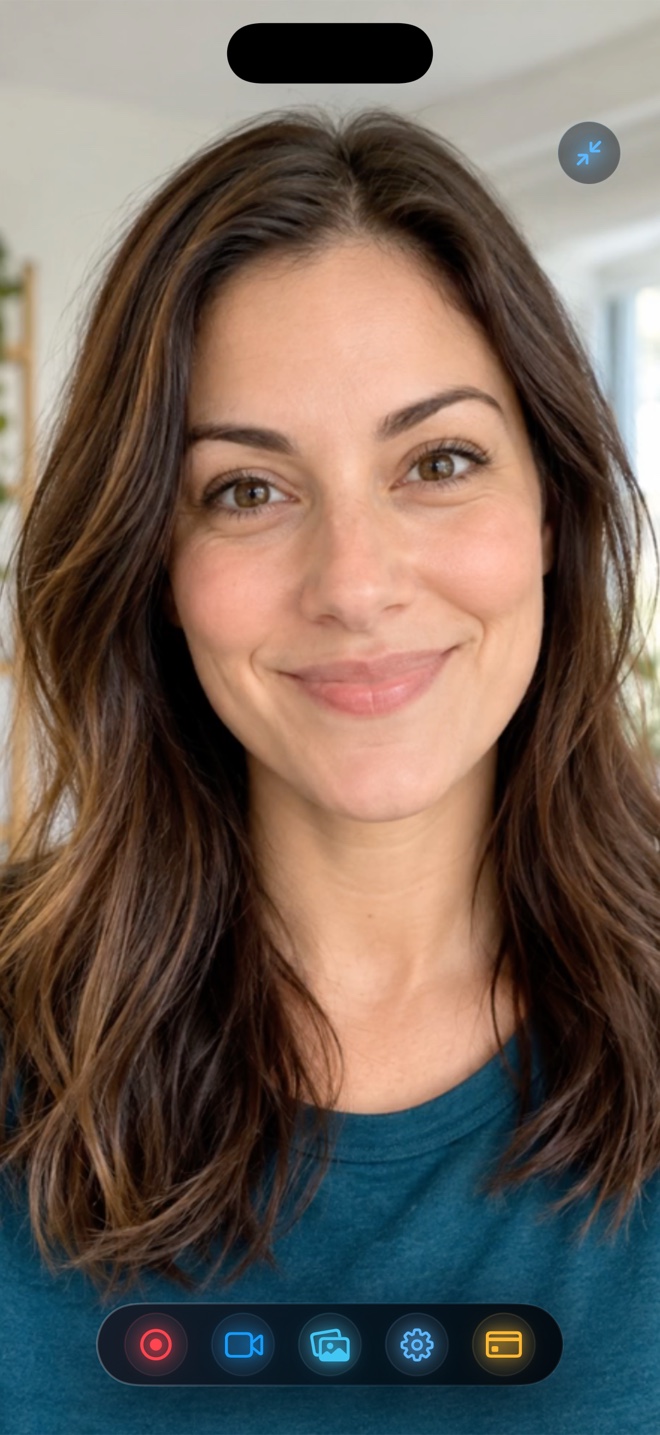
Blurring, Removing, or Replacing Your Camera Background in Tutorials
Hide messy rooms when recording tutorials on iPhone, iPad, or Mac. Understand on-device person segmentation, blur vs custom backdrops, and Picture-in-Picture background modes.
Read workflow guide →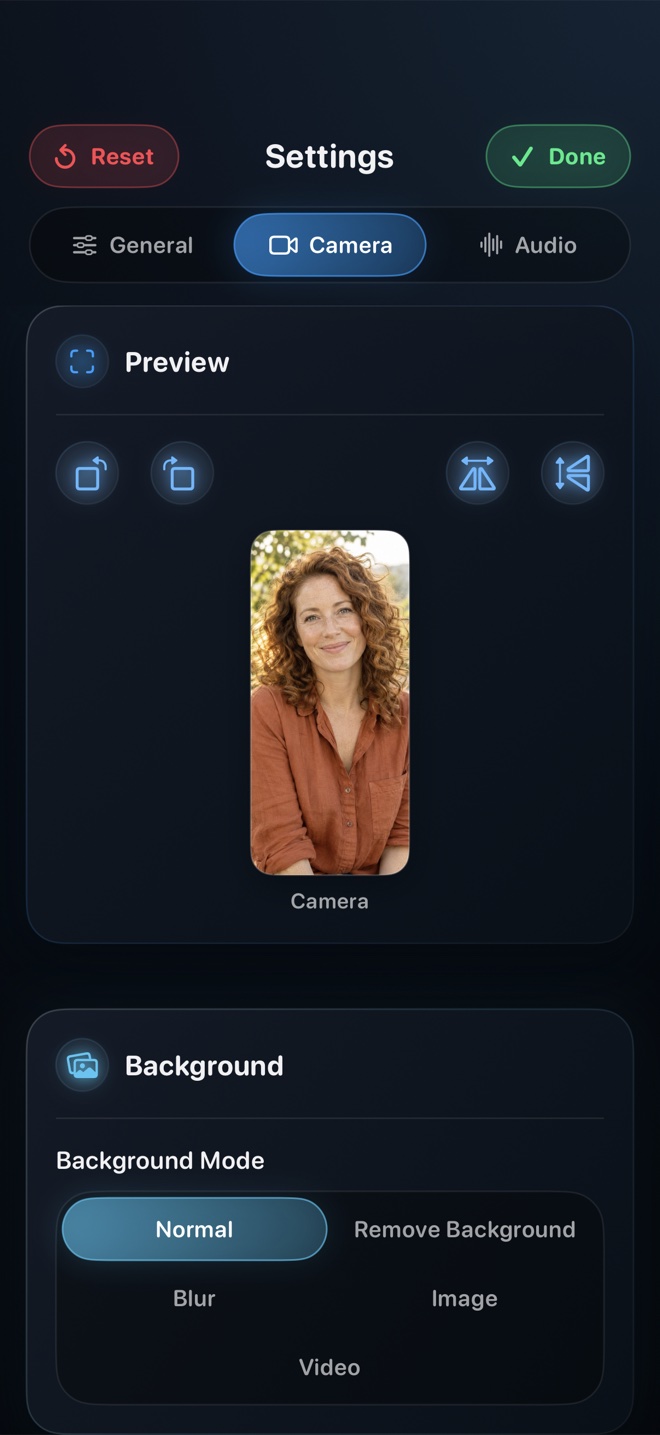
Locking Portrait or Landscape Orientation for Reels, Shorts, and App Walkthroughs
Prevent sideways videos and black pillarbox bars when recording vertical Reels/Shorts or widescreen landscape games on iPhone and iPad.
Read workflow guide →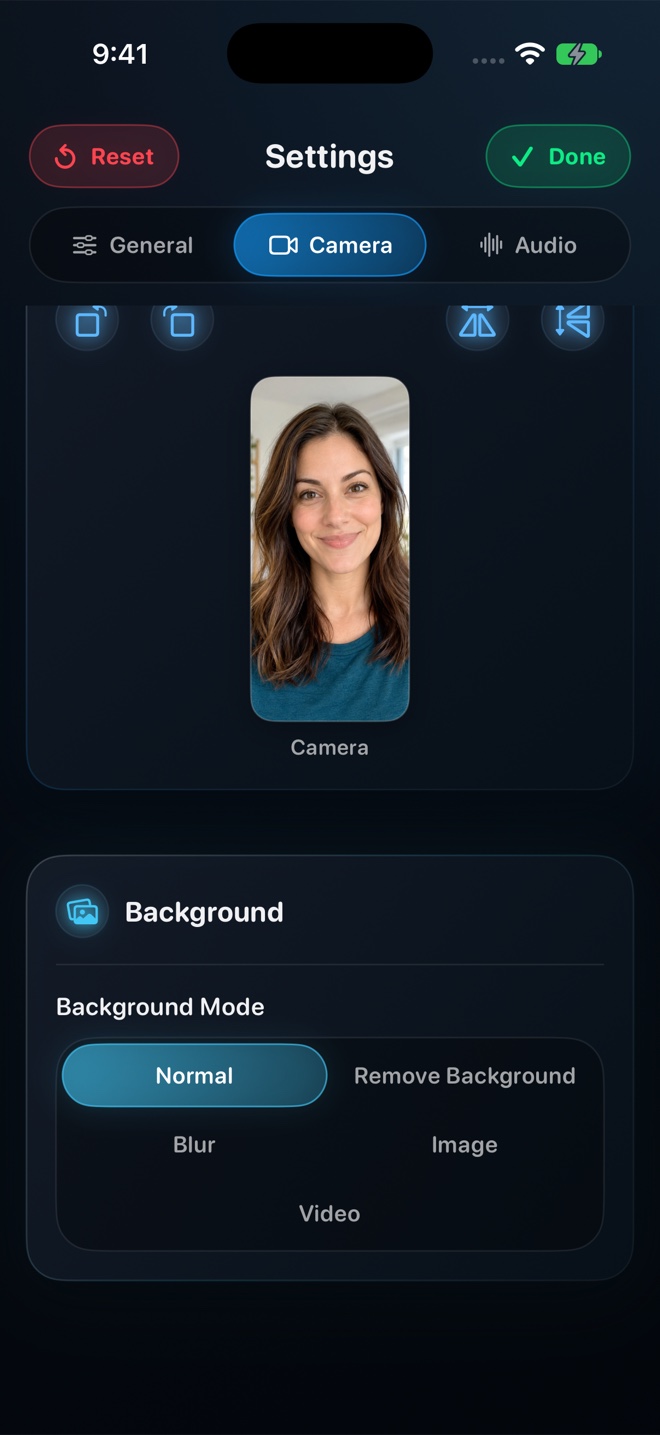
720p, 1080p, or Source Native Quality: Picking Resolution Without Huge Files
Understand how Reel's 480p, 720p, 1080p, and Pro Source (Native) quality tiers size your video, preserve aspect ratio, and export compact HEVC/H.264 MP4 files.
Read workflow guide →
How to Film Clean Video Reactions and Live Commentary in One Take on iPhone
Film design critiques, gameplay breakdowns, and video reactions on one iPhone or iPad with synchronized screen playback, clear voice audio, and no mic echo.
Read workflow guide →
Recording Crisp App Demos and Client Walkthroughs on iPhone, iPad, and Mac
A repeatable production checklist for indie developers, educators, and product teams recording app demos, onboarding clips, and App Store Preview source footage.
Read workflow guide →