Capabilities · Version 1.3.5
Built around how iOS, iPadOS, and macOS actually capture video.
Every control in Reel Screen Recorder exists to eliminate a post-production chore: balancing two audio streams, keeping your camera visible across apps, masking messy rooms on device, and exporting direct MP4 files.
Cross-App Picture-in-Picture Camera
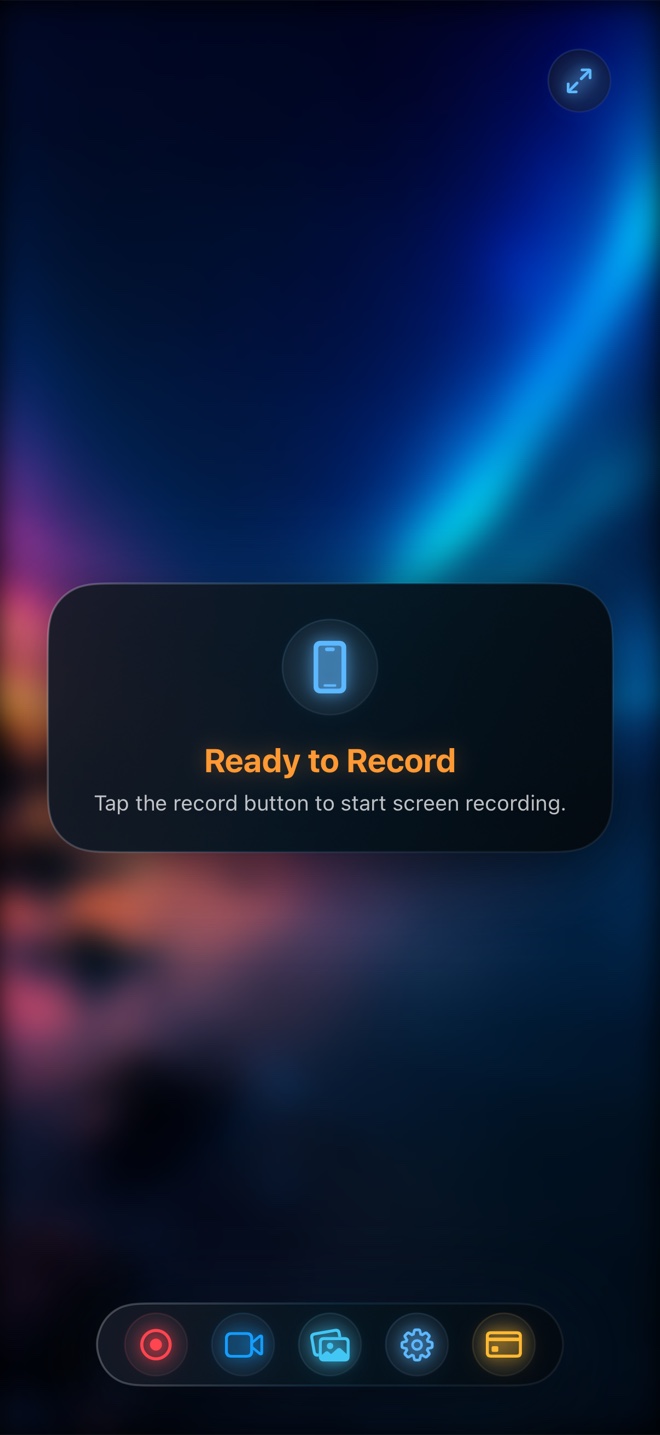
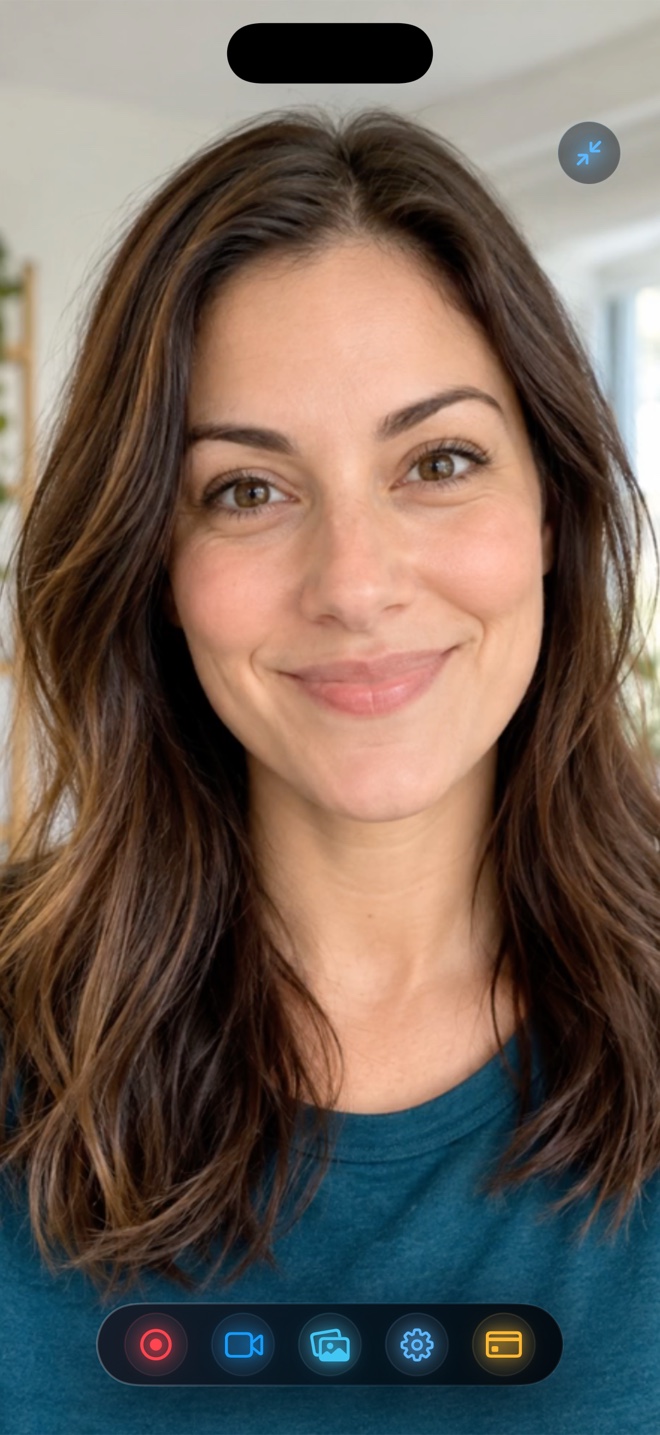
Keep your live front or back camera floating over third-party apps on iPhone and iPad, or composite a floating camera into your display recording on Mac while hiding Reel's own control window.
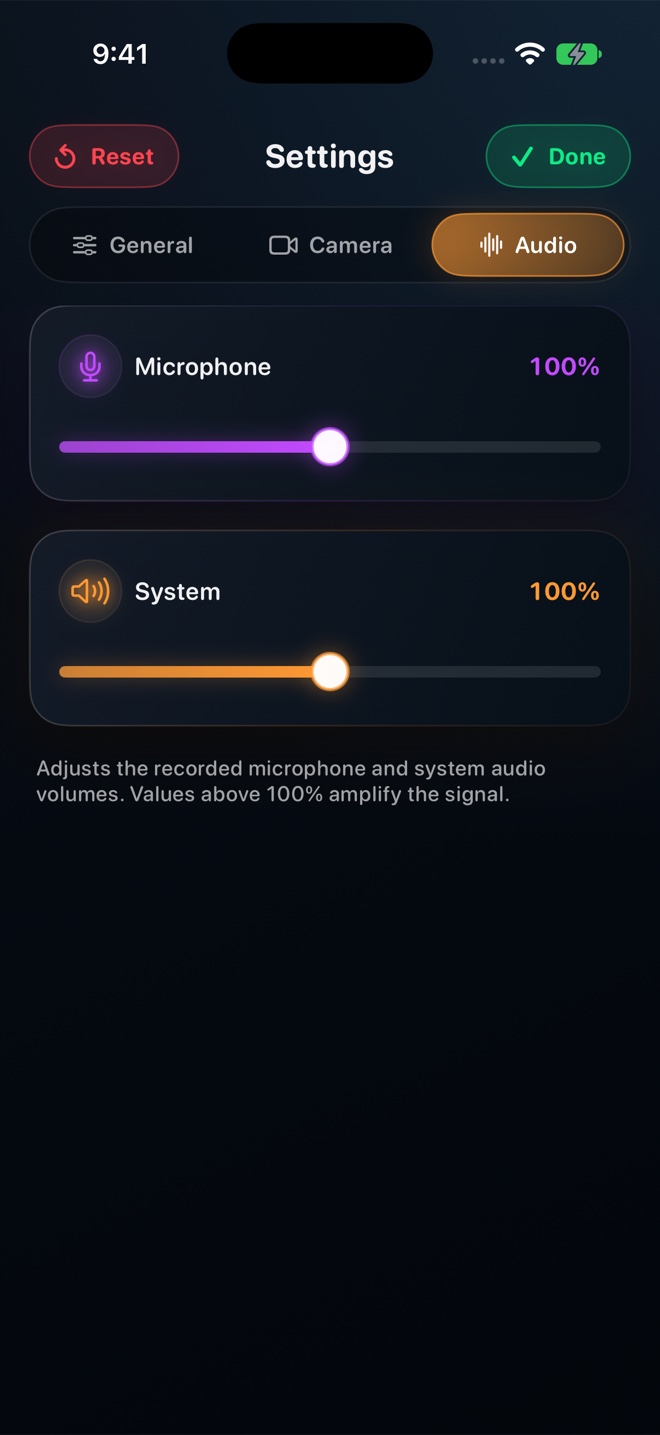
App Sound + Microphone Control
Adjust levels or mute either feed independently. Single-track stereo mixing is enabled by default for universal playback, with optional two-track preservation for desktop NLEs.
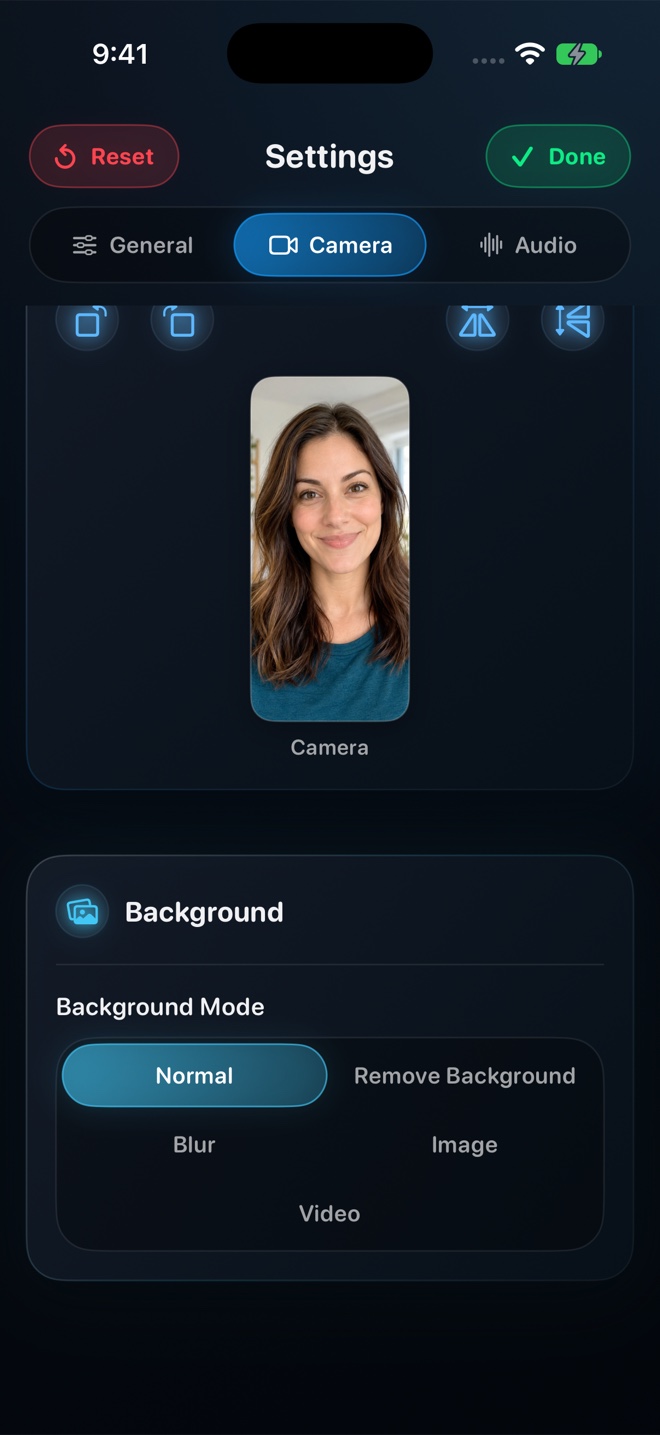
On-Device Background Blur & Media
Neural person segmentation blurs cluttered rooms or places an imported photo or video loop behind you locally on device—no physical green screen required.
Aspect-Preserving Quality Tiers
Choose 480p, 720p, or 1080p for free, or Source (Native) with Pro. Reel caps the short side while preserving native device proportions and encoder-safe even dimensions.
30 / 60 / 120 FPS Mac Preferences
Select any connected Mac display, exclude Reel's control window from capture, pick 30/60/120 fps preferences, and write straight to H.264 MP4.
Direct MP4 on Your Device
No sign-up wall and no cloud upload wait. iOS encodes compact hardware HEVC inside MP4 and saves locally so your footage stays yours.