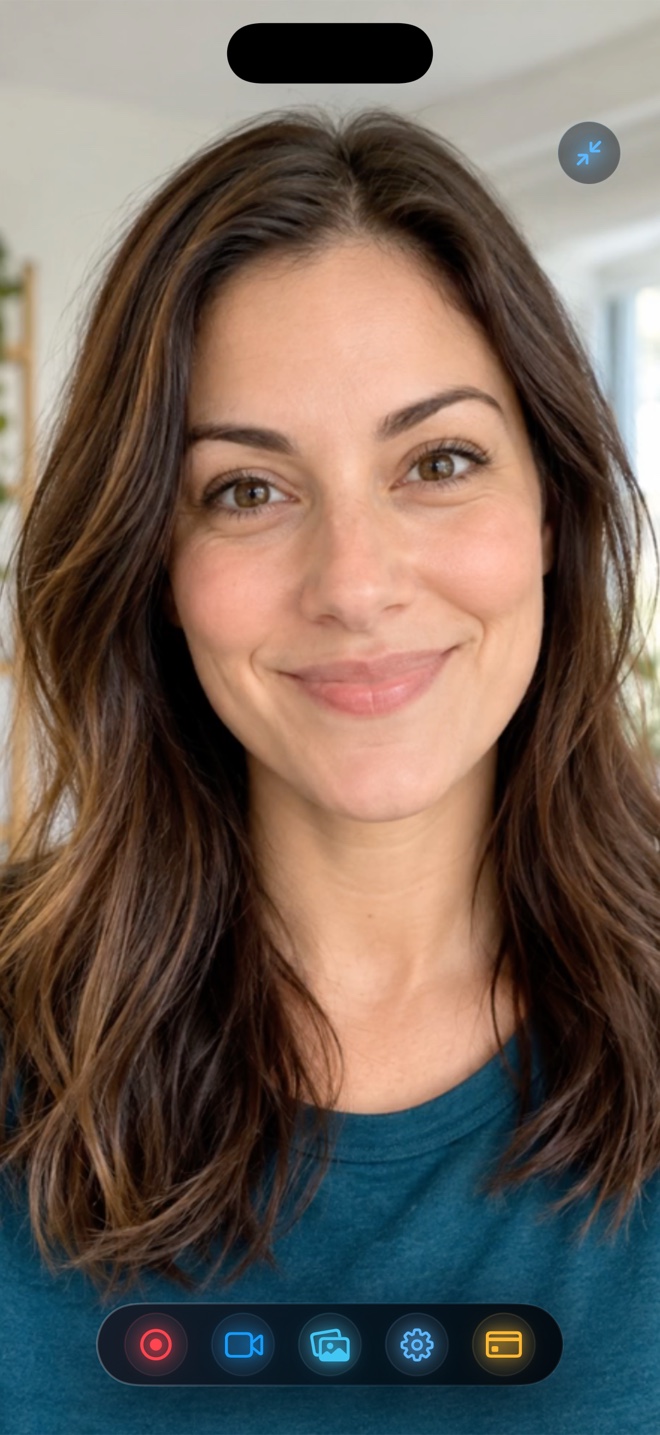
Pick VRecorder or Vidma if you want playful animated stickers, voice-changer effects, and music-bed templates inside a single mobile app and plan to pay their VIP subscription. Pick Reel Screen Recorder when you want a distraction-free studio recorder across iPhone, iPad, and Mac with zero watermarks on free 1080p MP4s, live cross-app Picture-in-Picture facecam, neural background blur/replacement, and a $0.99/mo or $14.99 lifetime Pro option.
| Capability | Reel Screen Recorder | VRecorder / Vidma (iOS) |
|---|---|---|
| Watermark-free 1080p MP4 on free tier | Yes — always clean, zero logo stamps | Watermarks or resolution locks commonly require VIP |
| Live cross-app Picture-in-Picture facecam | Yes — stays visible over third-party apps live | Primarily post-recording FaceCam editor overlay |
| On-device neural background blur & backdrops | Yes — blur, custom photo/video loop, or cutout | Sticker frames rather than cross-app neural PiP blur |
| Independent app sound + mic level sliders | Yes — adjust or mute either source live | Post-capture music/voiceover sliders |
| Voice changers, cute stickers & music library | No — clean studio capture without bloat | Yes — core focus of casual editor suite |
| macOS desktop recorder included | Yes — universal app (ad-free on Mac) | Mobile-focused apps |
Studio Capture Instrument vs All-in-One Toy Editor
Bundling a screen recorder with hundreds of sticker packs, royalty-free jingles, and novelty voice changers makes an app heavy—and usually means basic capture necessities like 1080p export or watermark removal get held behind a weekly VIP paywall.
Reel Screen Recorder focuses 100% on capturing the cleanest possible video and audio in one pass: sharp screen pixels, natural Picture-in-Picture presenter framing, tasteful neural background blur, and balanced audio.
Why First-Generation Hardware MP4s Look Sharper
When you record inside a post-editor wrapper and export again just to save to Photos, fine mobile text goes through two lossy compression passes before Instagram or YouTube compresses it a third time. Reel writes hardware HEVC straight to `.mp4` once and hands you the untouched file.
| Technical Dimension | Reel Screen Recorder | VRecorder / Vidma |
|---|---|---|
| Startup workflow | Straight to Ready / Camera / Audio / Options studio | Often opens full-screen trial paywalls & template feeds |
| Encoding quality | First-generation hardware HEVC .mp4 (iOS) / H.264 .mp4 (Mac) | Re-encoded editor output |
| Multi-track audio support | Single-track stereo default + optional two-track MP4 | Single mixed export track |
| Recording time limit | Unlimited on free tier (storage-bound) | Editor export caps vary by free vs VIP |
| Data & servers | Zero Arte Soft servers, no login, 100% local | Check individual App Privacy tracking disclosures |
Honest StoreKit Gating
Reel checks `isPro` in only two places across the entire codebase: removing between-session mobile ads and unlocking Source (Native) full-device resolution. Every overlay mode, audio slider, and background effect works out of the box for $0.
| Creator Profile | Recommended App | Why It Wins |
|---|---|---|
| Pricing | Reel ($0 free 1080p; $0.99/mo, $9.99/yr, $14.99 lifetime Pro) | Avoids steep weekly VIP subscriptions for basic 1080p watermark removal |
| Professional tutorials, SaaS demos & educator lessons | Reel Screen Recorder | Clean framing, neural background blur, and zero cartoon UI clutter |
| Kids' casual clips wanting squirrel/robot voice changers | VRecorder / Vidma | Built-in novelty audio filters and sticker packs |
| Creator editing serious Reels/Shorts in CapCut or Final Cut | Reel Screen Recorder | Provides pristine un-watermarked 1080p or Native Retina MP4 masters |
Frequently Asked Questions
Does Reel pop up forced 3-day-trial weekly subscriptions before you can record?
No. You can launch Reel and record 480p, 720p, or 1080p MP4s immediately without starting a trial or creating an account.
Can I import my own branded background image behind my facecam in Reel?
Yes! Import any photo or looping video from your library, choose fit or fill, and position yourself cleanly—all on the free tier.
Does Reel include an in-app video reaction mode?
Yes, on iOS you can play a video inside Reel and record it together with your camera in one pass.
Related Comparisons & Production Guide
Reel Screen Recorder vs Wired QuickTime iPhone Recording on Mac
Compare plugging your iPhone into a Mac with QuickTime Player over USB-C vs recording directly on iPhone with Reel Screen Recorder: 9:41 status bar vs live PiP.
Reel Screen Recorder vs CapCut for iPhone & Mac Screen Tutorials
Compare Reel Screen Recorder vs CapCut on iPhone, iPad, and Mac: live cross-app PiP facecam and dual-audio MP4 capture vs post-recording timeline editing.