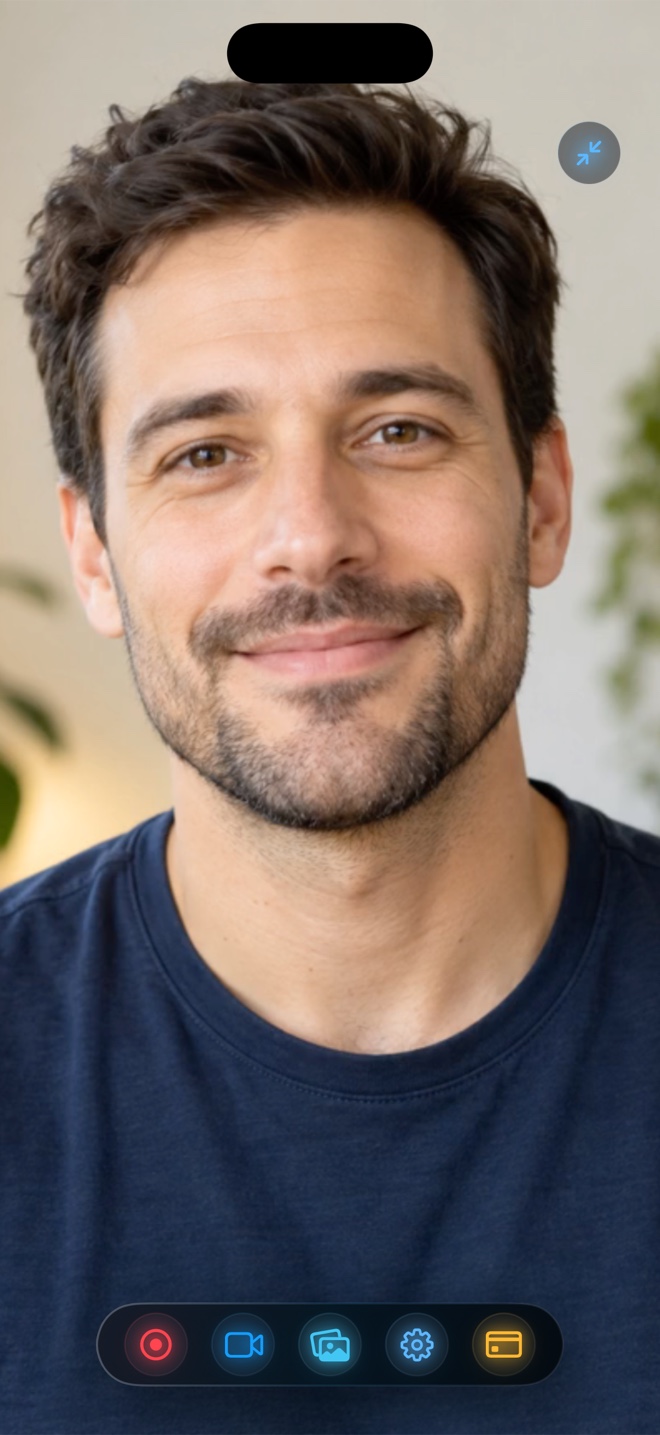
Pick Wired QuickTime on Mac ($0 built-in) when sitting at a desk recording strict, facecam-free App Store Preview masters where Apple's automatic '9:41 AM + full battery' status-bar override and uncompressed `.mov` capture shine. Pick Reel Screen Recorder ($0 free up to 1080p; $14.99 lifetime Pro) whenever you want untethered mobility, a live floating Picture-in-Picture facecam on the iPhone, simultaneous iPhone app audio + mic narration without a Mac mixer, and direct `.mp4` files.
| Capability | Reel Screen Recorder (Untethered iOS) | Wired QuickTime Player (iPhone → Mac USB) |
|---|---|---|
| Hardware required | Just your iPhone or iPad anywhere | iPhone + Mac + data-capable USB-C / Lightning cable |
| Live floating PiP facecam on iPhone screen | Yes — front or rear camera floats over apps | No — captures raw iPhone screen only |
| Simultaneous iPhone app audio + spoken mic | Yes — built-in App Audio + Mic mixer in one pass | No — QuickTime lets you pick iPhone audio OR Mac mic, not both at once |
| Automatic '9:41 AM' clean status bar override | Records real status bar (use Focus mode to hide banners) | Yes — macOS overrides clock to 9:41, full Wi-Fi, 100% battery |
| iPhone speaker monitoring while wired | Normal iPhone / AirPods playback | Selecting iPhone audio in QuickTime mutes the iPhone's own speaker |
| Immediate output file | Compact HEVC `.mp4` in iPhone Photos | Large uncompressed/ProRes-grade `.mov` on Mac disk |
The Single-Audio-Input Catch in Wired QuickTime Capture
Plugging an iPhone into QuickTime Player looks effortless until you try to speak while your app makes sound. QuickTime's 'New Movie Recording' dropdown lets you select *either* your iPhone (capturing internal iOS sound while muting your mic and phone speaker) *or* your Mac microphone (losing internal iPhone sound completely). Getting both requires abandoning QuickTime for a multi-bus setup in OBS or Audio MIDI Setup.
Recording directly on the iPhone with Reel solves this in five seconds: both App Audio and Microphone have dedicated sliders right inside the app, mixed cleanly into a standard MP4.
When Wired QuickTime Still Deserves a Spot in Your Toolkit
Give credit where Apple engineered a gem: when an iPhone is tethered to QuickTime on a Mac, iOS automatically replaces messy carrier names, 14% red batteries, and random timestamps with Apple's iconic `9:41` status bar. For silent, facecam-free App Store Preview clips shot at your desk, wired QuickTime (or Xcode Simulator capture) remains wonderful.
| Technical Dimension | Reel on iPhone / iPad | Wired QuickTime Capture |
|---|---|---|
| Why wired QuickTime misses dual audio | ReplayKit mixes `AudioApp` + `AudioMic` streams on device | QuickTime Movie Recording accepts only a single audio input dropdown |
| Typical 5-minute file size | ~60–180 MB (1080p HEVC MP4) | Often 1 GB–4+ GB (`Maximum` quality `.mov`) |
| Outdoor / handheld camera-app demos | Walk anywhere indoors or outdoors freely | Tethered to a 1-meter cable connected to a Mac |
| Resolution options | 480p, 720p, 1080p (free) or Source Native Retina (Pro) | High (H.264) or Maximum (uncompressed/high-bitrate MOV) |
| Bonus Mac workflow | Reel ALSO runs on Mac to composite Mac webcam over wired window! | Screen-only QuickTime window |
Combining Both Worlds on macOS
Here is a power-user combo indie developers love: mirror your iPhone onto your Mac screen using QuickTime (getting the clean `9:41` status bar alongside your Xcode IDE or web dashboard), then record your Mac display using **Reel on Mac**—adding your Studio Display / Continuity Camera facecam, neural background blur, and mixed Mac + mic audio straight into an H.264 `.mp4`!
| Scenario | Winner | Practical Reason |
|---|---|---|
| Silent 25-second Apple App Store Connect Preview master at a desk | Wired QuickTime (or Reel Pro Source Native) | QuickTime's automatic 9:41 status bar is tailor-made for App Store Connect |
| Founder filming a narrated mobile walkthrough with facecam for X / LinkedIn | Reel Screen Recorder | Records facecam + app sound + voice in one MP4 without touching a Mac |
| Mobile game commentary with earbuds on the couch | Reel Screen Recorder | QuickTime cannot mix iPhone game audio + mic without installing OBS on Mac |
| Pro tip: Wired iPhone window on Mac + Mac Studio webcam | QuickTime Preview Window + Reel on Mac! | Show wired iPhone cleanly on Mac desktop while Reel records the Mac display + webcam |
Frequently Asked Questions
Why does my iPhone go silent when I connect it to QuickTime Player on Mac?
Selecting your iPhone as the audio source in QuickTime routes all iOS audio over USB into the Mac, muting the iPhone's built-in speakers until you enable audio playthrough or record untethered in Reel.
Can Reel record full native iPhone Retina pixels without a Mac cable?
Yes. Unlocking Reel Pro ($0.99/mo, $9.99/yr, or $14.99 lifetime) enables Source (Native) resolution directly on iPhone and iPad.
How do I keep banners out of untethered Reel recordings?
Turn on Do Not Disturb / Focus mode in Control Center before starting your broadcast so zero notifications cross the top of your screen.
Related Comparisons & Production Guide
Reel Screen Recorder vs CapCut for iPhone & Mac Screen Tutorials
Compare Reel Screen Recorder vs CapCut on iPhone, iPad, and Mac: live cross-app PiP facecam and dual-audio MP4 capture vs post-recording timeline editing.
Source Retina / 4K 60fps vs 1080p Screen Recording on iPhone & Mac
Compare Source (Native) Retina and 4K/60fps screen recording against 1080p MP4 on iPhone, iPad, and Mac: file sizes, social recompression, and NLE zoom clarity.