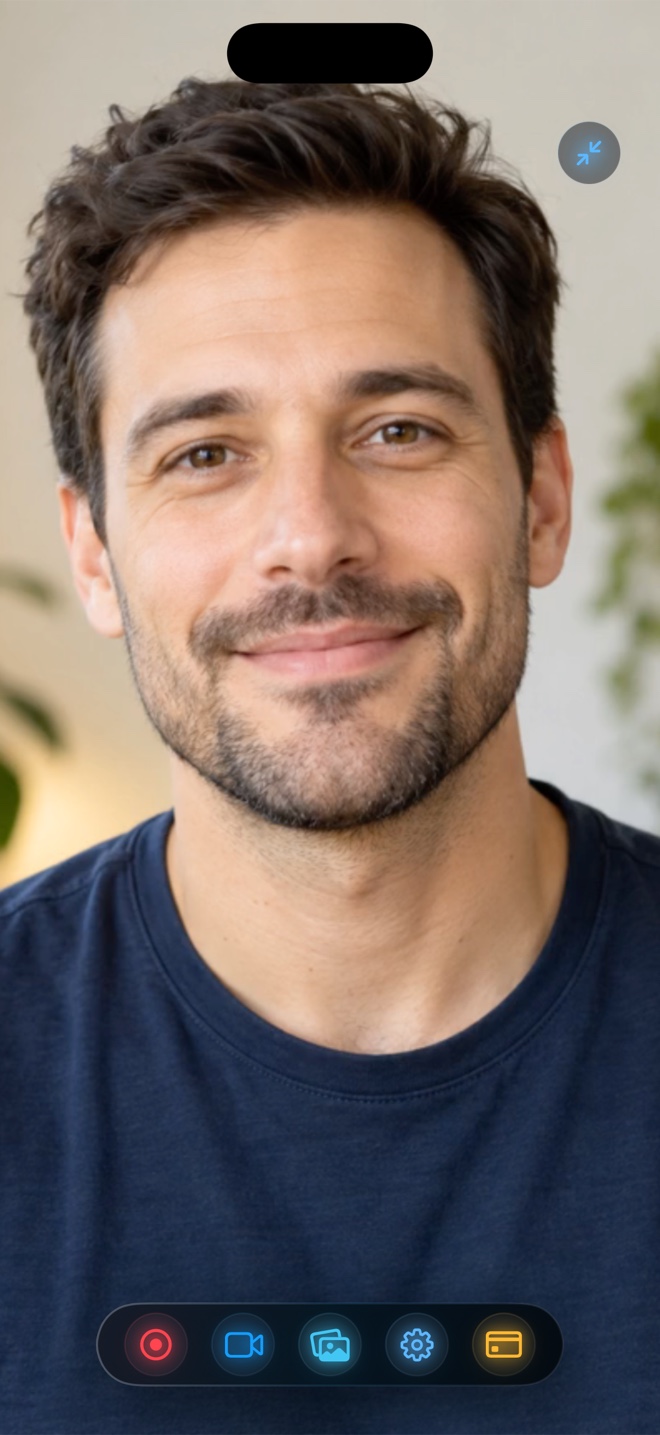
Pick Record it! if you already own its legacy Pro unlock and only want a basic iOS clip trimmer and post-recording FaceCam commentary tool. Pick Reel Screen Recorder when you want zero recording-length limits on the free tier, live cross-app Picture-in-Picture facecam during the actual recording, on-device neural background blur, independent app + mic gain controls, and universal iPhone, iPad, and Mac support.
| Capability | Reel Screen Recorder (v1.3.5) | Record it! :: Screen Recorder |
|---|---|---|
| Free export duration cap | No time limit — record 30 seconds or 30+ minutes free | Free tier historically limits reaction/editor exports (e.g. 3 min) |
| Live cross-app floating facecam | Yes — live Picture-in-Picture camera over any app | No — FaceCam reactions are recorded after screen capture |
| Camera background blur & custom backdrops | Yes — on-device neural blur + image/video replacement | Solid canvas background colors in post-editor only |
| Independent live app + mic audio mixer | Yes — separate volume & mute controls live | Post-capture voiceover commentary & volume |
| Orientation lock (Portrait / Landscape) | Yes — locks framing prior to broadcast | Post-capture rotation in editor |
| Native macOS app | Yes — Mac display capture, hide window, 30–120 fps | iOS / iPadOS utility |
How iOS Screen Recording Evolved Past 2018 ReplayKit Limits
When Apple first introduced ReplayKit Broadcast Extensions in iOS 11, system Picture-in-Picture camera APIs did not exist for third-party camera apps. Early utilities like Record it! cleverly worked around that limitation by letting you capture your screen first and add a square FaceCam reaction afterward inside their editor.
On modern iOS 26 and iPadOS 26, Reel combines ReplayKit broadcasting with live Picture-in-Picture camera rendering and Apple Neural Engine background segmentation—delivering the single-take studio workflow mobile creators originally wanted.
No 3-Minute Surprises on Longer Tutorials
Few workflows break concentration worse than recording an eight-minute onboarding video and hitting an export length paywall at the end. In Reel Screen Recorder, recording length is never gated behind Pro: whether your clip is twenty seconds or twenty-five minutes, 480p, 720p, and 1080p MP4 exports remain completely free.
| Technical Dimension | Reel Screen Recorder | Record it! |
|---|---|---|
| OS generation target | Modern iOS 26, iPadOS 26 & macOS architecture | Designed originally for iOS 11/12 ReplayKit era |
| Output container & codec | Direct hardware HEVC .mp4 (iOS) / H.264 .mp4 (Mac) | MP4 / MOV export from app library |
| Quality tiers | Free 480p, 720p, 1080p; Reel Pro unlocks Source Native | Resolution & length unlocks via Pro IAP |
| Audio track structure | Single-track mixed stereo default + optional two-track | Mixed export track |
| Privacy & cloud | Zero servers, no account, local Photos / Finder storage | Local device library |
Audio Mixing Before Mistakes Get Baked In
Instead of hoping raw game audio doesn't clip before importing into a post-editor, Reel gives you separate Microphone and System Audio sliders right up front—plus the option to keep both streams on discrete MP4 tracks for Final Cut Pro or DaVinci Resolve.
| Scenario | Recommended Recorder | Reason |
|---|---|---|
| 15-minute lecture, tutorial, or walkthrough for $0 | Reel Screen Recorder | No 3-minute paywall cliff on free 1080p recordings |
| Live cross-app product demo with presenter facecam | Reel Screen Recorder | Native PiP keeps your face visible while tapping through apps |
| Adding a quick voice note onto an old Camera Roll clip | Record it! or Reel In-App Video Mode | Both handle commenting over existing saved videos on iPhone |
| Unlocking native Retina pixels across iPhone, iPad & Mac | Reel Pro ($0.99/mo, $9.99/yr, or $14.99 lifetime) | Universal Apple ID unlock covers desktop Mac as well as mobile |
Frequently Asked Questions
Is there any recording duration limit in Reel's free version?
No. Reel has zero artificial duration caps—you can record for as long as your iPhone, iPad, or Mac has free storage space.
Does Reel require creating an account before saving to Photos?
No. There is no sign-up screen or cloud login anywhere in Reel Screen Recorder.
What does Reel Pro unlock if 1080p and unlimited duration are already free?
Reel Pro removes ads on iPhone and iPad and unlocks the Source (Native) quality tier for full unscaled Retina resolution.
Related Comparisons & Production Guide
XRecorder on iPhone? Native iOS Screen Recorders Compared
Searching for InShot XRecorder on iPhone? Compare Reel Screen Recorder vs iOS built-in recording and CapCut/InShot workflows for watermark-free 1080p MP4s.
Reel Screen Recorder vs Loom Mobile App on iPhone & iPad
Compare Reel Screen Recorder vs Loom iOS on iPhone and iPad: live cross-app PiP facecam, unlimited free 1080p local MP4s, and offline capture vs cloud links.