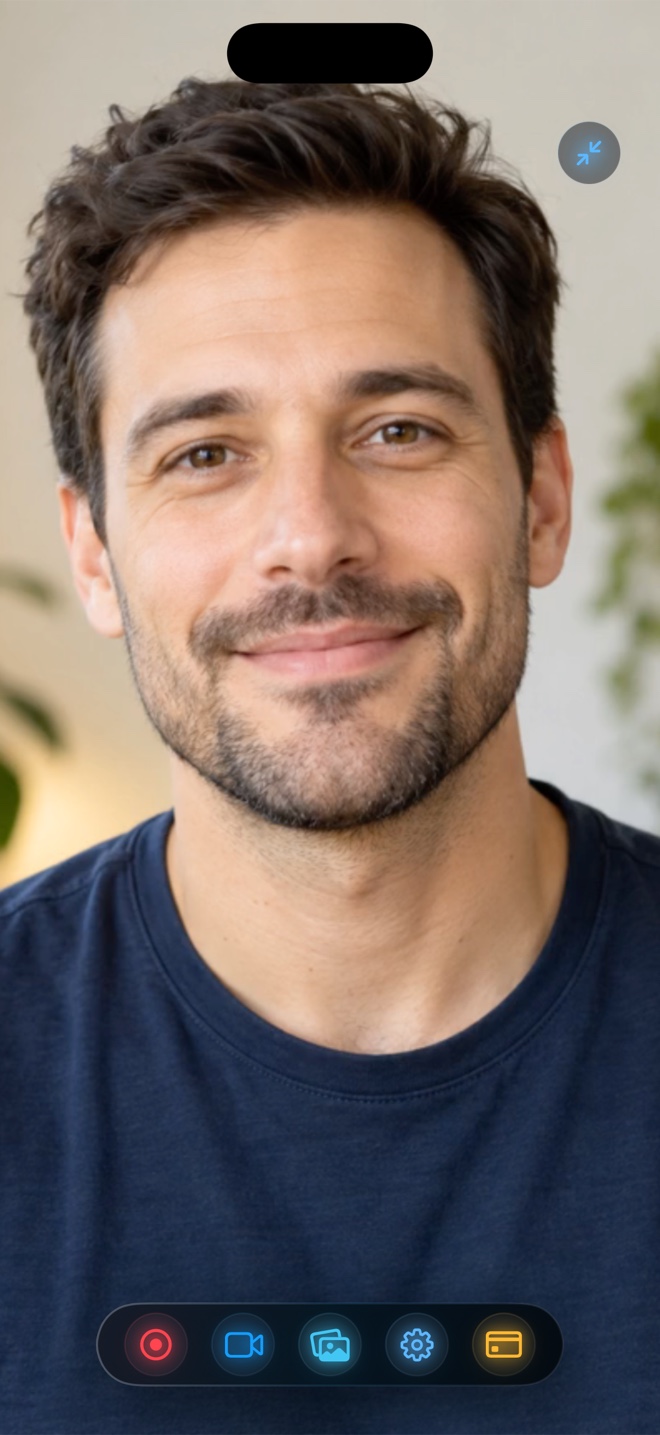
Pick DU Recorder if your primary goal is mobile RTMP livestreaming directly to YouTube, Twitch, or Facebook from an iOS broadcast extension. Pick Reel Screen Recorder when you want local MP4 recordings with zero watermarks and no time limit at 480p, 720p, and 1080p for free, a live cross-app Picture-in-Picture facecam with neural background blur, independent app + mic audio mixing, Mac support, and a $0.99/mo or $14.99 lifetime Pro option.
| Capability | Reel Screen Recorder (v1.3.5) | DU Recorder (iOS) |
|---|---|---|
| Watermark on free 1080p MP4 exports | Never — clean watermark-free MP4 on all free tiers | Watermarks or VIP prompts commonly apply to free exports |
| Live cross-app floating facecam | Yes — native iOS Picture-in-Picture stays live over apps | Primarily post-recording FaceCam overlay or stream mode |
| Direct RTMP live streaming | No — dedicated strictly to local MP4 recording | Yes — broadcasts RTMP streams to YouTube, Twitch & Facebook |
| Independent mic & app audio mixer | Yes — separate gain/mute sliders; adjust even mid-recording | Basic ReplayKit mic toggle + post-editor volume tools |
| On-device camera background blur/media | Yes — neural blur, custom image/video backdrop, or cutout | Not built into cross-app live PiP capture |
| Built-in timeline trimmer, stickers & GIFs | No — saves clean first-generation MP4 straight to Photos | Yes — includes built-in trim, stitch, text, and GIF tools |
| Native macOS desktop app included | Yes — universal app across iPhone, iPad, and Mac | No native macOS ScreenCaptureKit app |
Why iPhone Screen Recorders Diverged from Android Overlays
DU Recorder originally gained popularity on Android, where apps could draw floating buttons directly over the operating system. On iPhone and iPad, Apple's sandbox blocks arbitrary system overlays—so every legitimate iOS recorder captures screens through Apple's ReplayKit Broadcast Extension.
Where Reel innovates within Apple's rules is pairing ReplayKit with a native iOS Picture-in-Picture camera window. Instead of filming silent screen footage first and taping a reaction in an editor later, your live facecam floats over Safari, games, or productivity apps during the actual take.
Zero Watermarks on Free 1080p Captures
Few things frustrate creators more than finishing a great ten-minute take only to discover a corner logo stamped onto the exported video unless they start a recurring VIP subscription. Reel never stamps watermarks onto your video at 480p, 720p, or 1080p. On iPhone and iPad, the free version shows ads between sessions (and the Mac version has no ads at all); Reel Pro simply removes mobile ads and unlocks Source (Native) Retina pixels.
| Technical Dimension | Reel Screen Recorder | DU Recorder |
|---|---|---|
| Capture API | Apple ReplayKit + Picture-in-Picture (iOS) / ScreenCaptureKit (Mac) | Apple ReplayKit Broadcast Extension on iOS |
| Video container & codec | Hardware HEVC .mp4 on iOS/iPadOS; H.264 .mp4 on Mac | MP4 / MOV export after broadcast or editor render |
| Free resolution ceiling | Up to 1080p free; Source (Native) Retina with Reel Pro | Higher resolutions/FPS and watermark removal tied to VIP |
| Recording time limit | No app duration cap (limited only by free device storage) | Local storage or stream stability dependent |
| Server & privacy model | Zero Arte Soft servers — 100% local files, no account | Includes live-streaming network modules when broadcasting |
Live Streaming vs Clean Local MP4 Masters
If you want to broadcast a live mobile gaming stream directly to Twitch or YouTube Live without a computer, a dedicated RTMP streaming app is the right tool. When your goal is an edit-ready, high-clarity local MP4 with balanced app and microphone sound for Reels, Shorts, YouTube uploads, or client walkthroughs, Reel gets you from start to saved file with zero clutter.
| Scenario / Cost | Recommended App | Why It Wins |
|---|---|---|
| Pricing model | Reel ($0 free 1080p; Pro $0.99/mo, $9.99/yr, $14.99 lifetime) | Transparent low-cost IAP with no watermark hostage tactics |
| Live-streaming mobile gameplay to Twitch from iPhone | DU Recorder (or Streamlabs/Prism) | Reel records local MP4 files rather than pushing live RTMP streams |
| Single-take app tutorial with live floating facecam | Reel Screen Recorder | PiP camera stays visible across apps and saves an instant MP4 |
| Recording clean demos across both iPhone and Mac | Reel Screen Recorder | One Apple ID unlocks iPhone, iPad, and ad-free Mac capture |
Frequently Asked Questions
Does Reel Screen Recorder add a watermark on the free tier?
No. Every recording at 480p, 720p, and 1080p exports as a clean MP4 with zero watermark and no recording time limit.
Can Reel livestream directly to YouTube or Twitch?
No. Reel is built exclusively for local MP4 screen and camera recording on iPhone, iPad, and Mac.
How much is Reel Pro compared to weekly VIP recorder apps?
Reel Pro is $0.99/month, $9.99/year, or $14.99 once as a lifetime purchase in the US App Store, shared across your iPhone, iPad, and Mac.
Related Comparisons & Production Guide
Reel Screen Recorder vs Mobizen on iPhone & iPad
Switching from Android or comparing Mobizen on iPhone? Compare Reel Screen Recorder vs Mobizen on cross-app PiP facecam, watermarks, audio mixing, and Mac apps.
AZ Screen Recorder for iPhone? Best Native iOS Alternatives Compared
Looking for AZ Screen Recorder on iPhone? Compare native iOS alternatives—Reel Screen Recorder vs Control Center and ReplayKit apps—with no watermark and PiP.