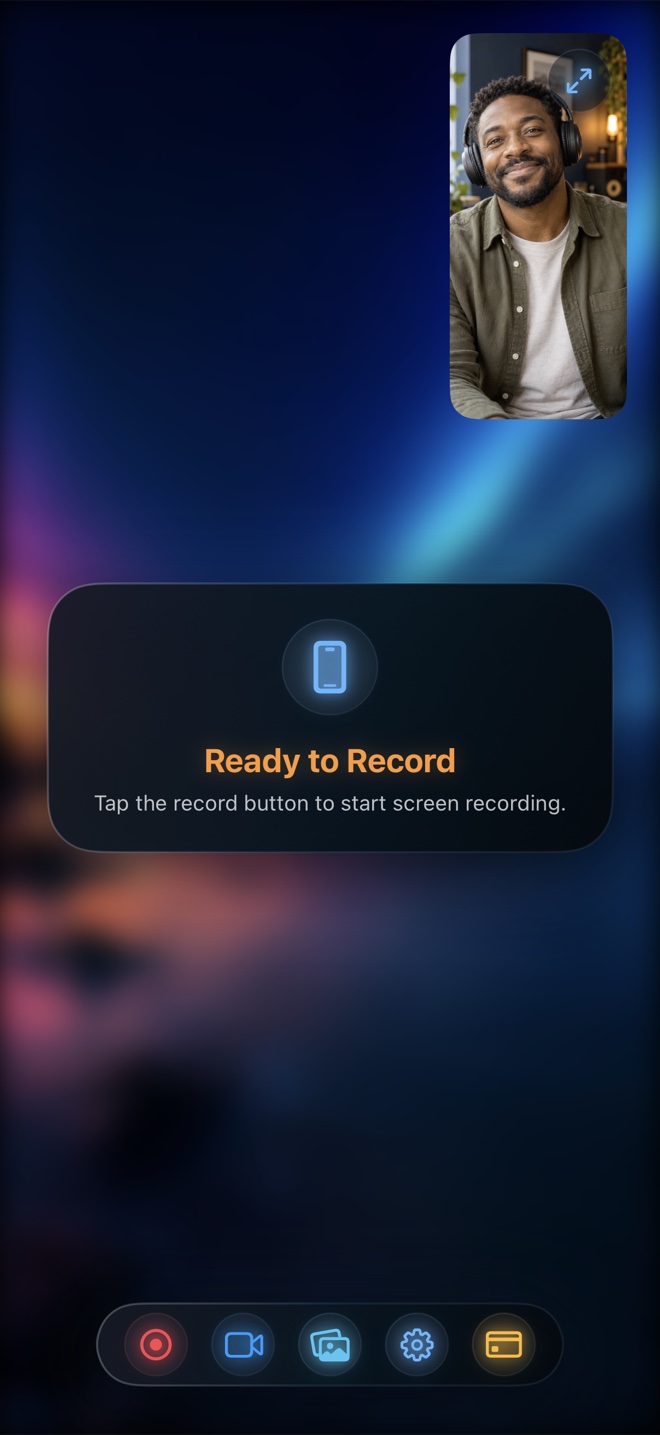
Pick Reel Screen Recorder when recording untethered on iPhone or iPad: its pre-broadcast Audio mixer lets you balance or mute App Audio and Microphone independently, outputting a universal single-track stereo MP4 by default (or optional two-track MP4 for desktop NLEs). Pick USB-C tethered Mac capture into OBS/DAW only when sitting at a studio desk with an XLR microphone, or Control Center when recording silent screens.
| Audio Capability | Reel Screen Recorder | iOS Control Center (Mic On) | USB-C Tethered to Mac (OBS/DAW) | Post-Capture Voiceover in NLE |
|---|---|---|---|---|
| Independent app sound vs mic gain control | Yes — separate volume & mute controls inside Reel Audio tab | No — fixed full-scale app sound + raw mic gain | Yes — multi-fader mixer on Mac desktop | Yes — adjusted on separate timeline tracks after filming |
| Works untethered anywhere on iPhone | Yes — 100% standalone on iPhone and iPad | Yes — built into iOS Control Center | No — requires Mac + USB cable at a desk | Yes — requires second narration pass in mobile editor |
| Single-track universal stereo MP4 mix | Yes — enabled by default for web, Slack, Reels, and YouTube | Yes — single mixed track in Photos | Configurable in OBS / DAW export | Exported after timeline render |
| Optional separate two-track preservation | Yes — toggle available for Final Cut Pro / DaVinci Resolve | No — permanently baked into one track | Yes — multi-track MKV/MOV supported | Yes — voiceover recorded as discrete file |
| Simultaneous live floating facecam | Yes — cross-app Picture-in-Picture camera included | No | Desktop webcam only (no native iPhone PiP) | Requires filming separate reaction pass |
| Live timing between taps and spoken words | Exact real-time sync in one take | Exact real-time sync (if game sound doesn't drown voice) | Exact real-time sync | Artificial post-commentary pacing |
Why iOS App Sound Easily Buries Human Speech
Commercial mobile apps and games master their sound effects and background loops near 0 dBFS so they sound punchy on tiny phone speakers. Meanwhile, an unscripted human voice recorded into AirPods or the built-in iPhone mic naturally sits 12 to 18 dB quieter with wide dynamic peaks and valleys.
When you record with Apple's built-in Control Center recorder with Microphone On, iOS sums both digital streams with no fader between them. Unless the target app happens to expose granular internal volume sliders in its own settings screen, your voice gets masked every time an animation or soundtrack swells.
Single-Track Stereo Default vs Multi-Track MP4 Pitfalls
A subtle technical trap in mobile screen recording is how MP4 containers store multiple audio streams. If a recorder writes App Audio to Track 1 and Microphone Audio to Track 2 without mixing them, desktop editors like Final Cut Pro see both tracks—but QuickTime web embeds, Slack previews, and social uploaders often play Track 1 alone, making your voice vanish after upload.
Reel Screen Recorder defaults to mixing your balanced Microphone and App Audio levels into a single universal stereo AAC track so every player on earth hears your narration immediately, while still giving desktop video editors an explicit setting in Recording Options to keep two discrete tracks when needed.
| Technical Dimension | Reel Screen Recorder | iOS Control Center | USB-C Tethered Mac Capture |
|---|---|---|---|
| Audio delivery pipeline | ReplayKit `RPSampleBufferTypeAudioApp` + `AudioMic` mixed cleanly | System ReplayKit internal + mic sum | CoreAudio Inter-Device Audio / ScreenCaptureKit over USB |
| Headphone echo isolation | Pair AirPods or wired earbuds so speaker sound never re-enters mic | Same acoustic rule — open speaker causes hollow slapback echo | Monitor through Mac headphones while speaking into desk mic |
| Hardware Ring/Silent switch impact | Keep Silent Mode OFF (use Focus/DND) so UIKit games send app audio | Identical — Silent Mode mutes many UIKit game engines at source | USB audio bypasses speaker, though some games still check mute state |
| OS DRM & active phone/VoIP call limits | DRM video/music and protected cellular/VoIP calls withheld by iOS | Identical OS-level ReplayKit restriction | HDCP / FairPlay blocks protected streaming video over wired capture |
| Data privacy & storage | Saved locally in HEVC MP4 on device; zero cloud upload | Saved locally in Apple Photos | Saved locally on Mac drive |
Three Acoustic Rules No Software Can Fake
Regardless of which recorder you choose, three physical rules govern clean iPhone audio: wear headphones whenever the app plays continuous audio so speaker bleed never loops back into your microphone; switch off the physical Ring/Silent mute switch (and turn on Do Not Disturb / Focus instead) so games actually emit audio to ReplayKit; and verify the system Broadcast Sheet's own Microphone button is highlighted before the 3-second countdown ends.
| Scenario / Budget | Recommended Method | Why It Fits |
|---|---|---|
| Cost to get clean mixed 1080p MP4 | Reel Free ($0 w/ ads) or Pro ($0.99/mo · $14.99 lifetime) | Full audio mixer and 1080p export are included on Reel's free tier |
| Narrating a loud mobile game or music-making app on the go | Reel Screen Recorder + earbuds | Pull app audio down 40–60% in Reel so spoken commentary cuts right through |
| Editing a multi-chapter documentary in DaVinci Resolve | Reel (Two-Track mode) or Tethered Mac | Preserving separate app and mic tracks lets you EQ voice without touching UI sound |
| Studio podcast demo with Shure SM7B XLR microphone | USB-C Tethered iPhone into Mac + OBS | Lets you pair clean wired iPhone digital audio with a desktop audio interface |
| Silent UI capture for muted autoplay landing pages | Reel (both muted) or Control Center (Mic Off) | Guarantees zero room hum or accidental coughs in the file |
Frequently Asked Questions
Why did my iPhone screen recording capture game sound but zero microphone voice?
iOS stores a system-level Microphone On/Off state on the ReplayKit Broadcast picker sheet separate from inside apps. Always glance at the broadcast prompt before tapping Start Broadcast to confirm Microphone On is active.
Can Reel record FaceTime, WhatsApp, or phone call audio?
No. Apple restricts ReplayKit extensions from capturing protected cellular and VoIP call audio streams at the operating-system level to protect call privacy.
Is the audio mixer included in Reel's free version?
Yes. Independent Microphone and App Audio volume/mute controls—along with 480p, 720p, and 1080p MP4 export—are completely free in Reel Screen Recorder.
Related Comparisons & Production Guide
Local MP4 Screen Recorders vs Cloud Workspace Recorders Compared
Compare local on-device MP4 screen recorders (Reel, OBS, QuickTime) against cloud workspace recorders (Loom, Vidyard, Tella) on privacy, speed, and SaaS cost.
iPad Screen Recorders for Teaching, Whiteboards & App Demos Compared
Compare iPad screen recorders for Apple Pencil lessons and app demos: Reel PiP facecam vs iPadOS built-in recording, whiteboard apps, and solo Zoom rooms.