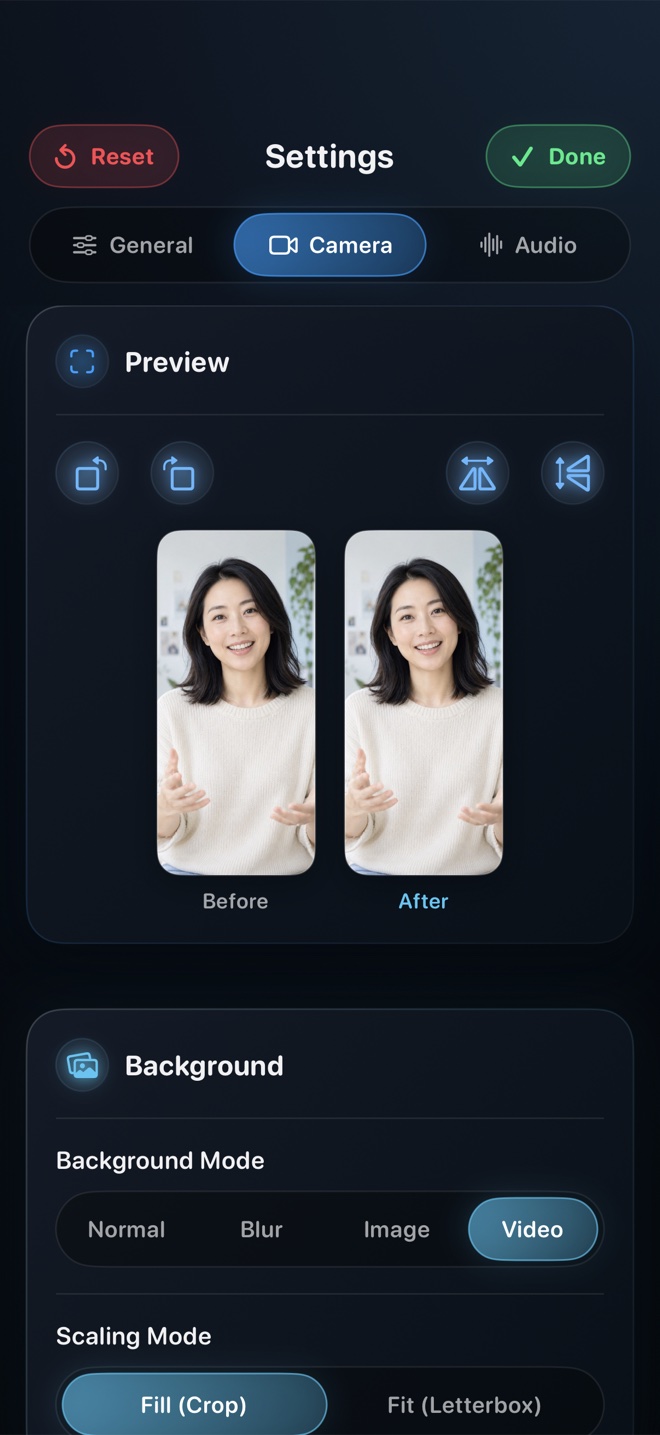
Pick Reel Screen Recorder on iPadOS when you teach across multiple iPad apps (Goodnotes, Notability, Procreate, Safari, Swift Playgrounds) and want a floating Picture-in-Picture facecam with background blur, balanced app + mic audio, landscape/portrait lock, and direct 1080p (free) or Native Retina (Reel Pro, $14.99 lifetime) MP4 files. Pick Explain Everything if you stay 100% inside a single editable vector whiteboard canvas, or iPadOS Control Center for voice-only screen clips with no camera.
| Teaching Capability | Reel Screen Recorder (iPadOS) | iPadOS Built-In Recorder | Dedicated Whiteboard Apps (e.g. Explain Everything) | Solo Zoom / Meet Call Recording |
|---|---|---|---|---|
| Facecam visible across ANY iPad app | Yes — live PiP facecam floats over Goodnotes, Safari, Procreate, PDFs | No — no camera overlay support | Camera stays inside that whiteboard app's canvas only | Thumbnail camera in call wrapper; often hidden during iPad screen share |
| Apple Pencil handwriting sharpness | Crisp hardware HEVC MP4 at 1080p (free) or full Native Retina (Pro) | Crisp native Retina capture | Sharp vector canvas rendering inside project | Noticeably softened by real-time video-call bitrate compression |
| Home-office camera background blur | Yes — on-device neural blur + custom classroom/studio backdrop | Not applicable | Limited or none depending on canvas tool | Built-in meeting blur (compresses overall video feed) |
| Balance educational app audio + teacher voice | Yes — independent App Audio & Mic volume sliders | No — binary mic toggle only | Primarily voice + imported canvas media | Optimized aggressively for speech (often ducks/distorts music apps) |
| Works in Stage Manager / Split View across apps | Yes — captures the full iPad display broadcast seamlessly | Yes — captures full display without facecam | Confined to its own app window | Screen broadcast shares display over network call |
| Offline classroom / flight recording | 100% offline local MP4 export | 100% offline to Photos | Offline project editing; MP4 render required | Requires live internet connection to start cloud/meeting room |
Why Instructor Presence Matters on Asynchronous iPad Lectures
Educational research consistently shows that seeing an instructor's face and natural gestures—even in a compact corner bubble—keeps students engaged far longer than a disembodied voice talking over static PDF slides. On a laptop that is trivial, but on an iPad most teachers annotate inside Goodnotes, Notability, PDF Expert, or Keynote where no built-in cross-app camera exists.
Reel's Picture-in-Picture facecam floats cleanly over whichever iPad app you open, and if your Apple Pencil stroke approaches that corner of the page, a quick flick drags the PiP window to the opposite corner mid-sentence without interrupting the recording.
Why Recording a Solo Zoom Call Hurts Equation & Code Legibility
During remote-teaching pivots, thousands of educators learned a clever workaround: start a Zoom or Google Meet call alone on iPad, share the screen, and hit Record to Cloud. While familiar, real-time conferencing codecs prioritize low latency over fine high-frequency detail—turning thin Apple Pencil subscripts, music notation, and 11-point code syntax fuzzy whenever you scroll.
Recording locally in Reel at 1080p (free) or Source Native resolution (Pro) uses hardware HEVC encoding directly on the iPad, keeping thin handwriting strokes razor-sharp at a fraction of a Zoom cloud plan's cost.
| Technical Dimension | Reel Screen Recorder | iPadOS Control Center | Whiteboard Canvas Recorders |
|---|---|---|---|
| LMS file-size friendliness (Canvas, Moodle, Classroom) | 720p & 1080p caps keep 15-min lectures compact for student Wi-Fi | Full 12.9" / 13" iPad Pro Retina resolution creates huge files | Requires post-lesson video export wait proportionate to slide length |
| Landscape 4:3 / ~3:2 iPad aspect preservation | Preserves native iPad display aspect ratio with even encoder dimensions | Native iPad display dimensions | Configurable 16:9 or 4:3 project canvas |
| Orientation lock before recording | Explicit Landscape or Portrait lock prevents accidental rotation flips | Follows iPad rotation lock state | Canvas-locked inside app |
| Student privacy & FERPA/GDPR posture | Zero cloud upload — MP4 stays on teacher's iPad until uploaded to school LMS | Local to Photos (check personal iCloud Photo Library sync settings!) | Check whether cloud workspace sync is enabled on school accounts |
| Universal Mac + iPhone license | Included in same App Store app & Reel Pro purchase | Built-in OS tools | Varies by per-seat educational subscription |
Keeping Personal iCloud Photos Separate from Classroom Footage
One underrated perk of choosing 720p or 1080p inside Reel on a 13-inch iPad Pro is LMS upload sanity: a 25-minute full-Retina iPad Pro capture in Control Center can easily exceed multi-gigabyte school LMS upload caps, forcing teachers to run external video compressors after every class.
Capping short-side output to 720p or 1080p right inside Reel produces crisp, lightweight MP4 files that upload straight to Canvas, Blackboard, Moodle, Google Classroom, or YouTube in seconds.
| Educator Scenario | Recommended Option | Why It Fits Best |
|---|---|---|
| Pricing comparison | Reel ($0 free 1080p; $0.99/mo, $9.99/yr, $14.99 lifetime Pro) | Free 1080p MP4 fits zero-budget classrooms; $14.99 once beats annual edtech subscriptions |
| Math/chemistry lecture in Goodnotes + Safari simulation | Reel Screen Recorder | Students see your reassuring facecam while you switch freely between handwritten derivations and web graphs |
| Editable slide-by-slide stroke replay you revise next semester | Explain Everything / Goodnotes Audio Note | Non-destructive vector object timelines let you fix one slide without re-recording all 20 minutes |
| Procreate or Nomad Sculpt digital art tutorial | Reel Screen Recorder | Captures full Procreate canvas + floating artist facecam in one pass without hiding brushes |
| 30-second silent homework solution key | iPadOS Built-In Screen Recorder | Fastest swipe-and-tap capture when no voice balance or camera is needed |
Frequently Asked Questions
Does my palm or Apple Pencil accidentally trigger the floating PiP facecam?
Place the Picture-in-Picture camera in one of the top corners of your landscape iPad display—above where your writing hand rests—and drag it across the top edge whenever you annotate near that corner.
Does landscape iPad recording work properly with Center Stage / landscape front cameras?
Yes. Modern iPads with landscape-edge front cameras keep your eye-line naturally centered when you lock Landscape orientation in Reel.
Can students watch Reel MP4 files on Chromebooks, Windows laptops, and Android phones?
Yes. Standard MP4 files upload cleanly to Canvas, Google Classroom, Google Drive, and YouTube for universal playback on any student device.
Related Comparisons & Production Guide
iPhone Reaction & Commentary Recording Apps and Workflows Compared
Compare 4 ways to film reaction and commentary videos on iPhone for Reels, TikTok, and Shorts: Reel live PiP vs Duet/Remix, CapCut timelines, and reaction apps.
Reel Screen Recorder vs DU Recorder on iPhone & iPad
Compare Reel Screen Recorder vs DU Recorder on iPhone: watermark-free 1080p MP4, live cross-app PiP facecam, and $14.99 lifetime Pro vs VIP subscriptions.