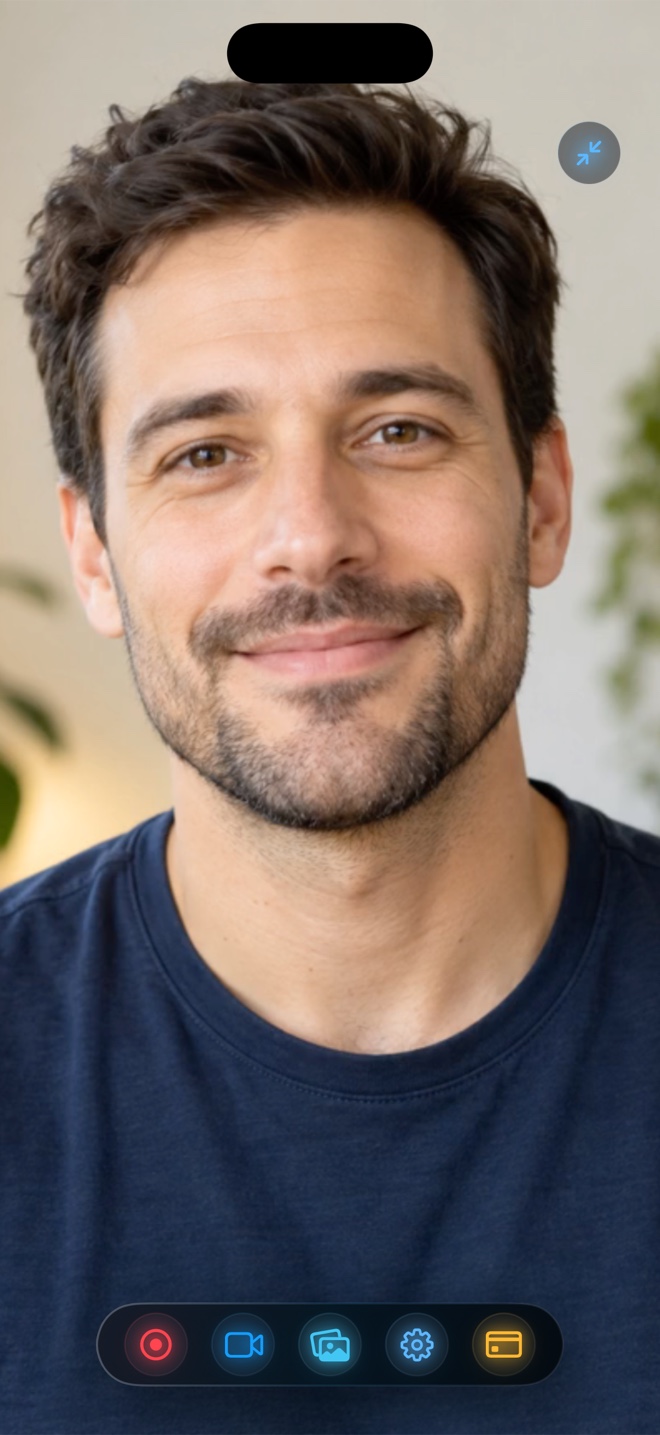
Pick Apple's built-in iOS Control Center recorder ($0) when you only need a basic full-screen capture with zero camera overlay and no audio level mixing. Pick Reel Screen Recorder when you need a live cross-app Picture-in-Picture facecam, neural background blur, and independent app + microphone volume sliders while still getting 100% watermark-free MP4 exports at 480p, 720p, and 1080p for free (ad-supported between sessions on iOS, zero ads on Mac, or $14.99 lifetime Pro for Source Native resolution).
| Capability | Reel Screen Recorder (Free Tier) | iOS Built-In Recorder | Typical Freemium Recorder Apps |
|---|---|---|---|
| Watermark on free 1080p exports | None — clean MP4 with zero corner branding | None — clean system video | Frequently stamps logo unless subscribed |
| Recording duration cap on free tier | None — limited only by available iPhone storage | None — storage-bound | Often capped at 1–5 min on free tier |
| Live cross-app floating PiP facecam | Yes — native iOS Picture-in-Picture over other apps | No camera capture during screen recording | Usually post-capture FaceCam editor only |
| Independent mic & app audio sliders | Yes — balance or mute either stream live | Single Mic On/Off binary switch | Rarely adjustable during live broadcast |
| On-device camera background blur | Yes — free neural blur & custom image/video backdrops | Not applicable (no camera) | Often locked behind VIP paywall |
| Mandatory account sign-up | None — open and record immediately | None | Varies by vendor |
| Included macOS companion app | Yes — universal app for iPhone, iPad, and Mac | Separate macOS Screenshot Toolbar | Mobile-only on most utility apps |
Why Watermarks Break Post-Production Flexibility
When a recorder burns a logo into the bottom-right corner of your master capture, every downstream edit suffers: reframing for 9:16 Reels crops awkwardly, zooming into UI buttons magnifies the badge, and client or App Store submissions get rejected outright.
Reel Screen Recorder monetizes its free mobile tier through standard AdMob placements outside the video frame rather than defacing your footage. Whether you record a 30-second bug report at 720p or a 40-minute walkthrough at 1080p, the saved MP4 in your Photos library is completely clean.
What You Still Get Beyond Apple's Free Built-In Button
Apple's Control Center button is genuinely great for silent screen grabs, because Apple never adds watermarks either. Its limitation is creative control: iOS disables the front camera during Control Center recording and mixes loud game or app audio at 100% volume right on top of your voice.
Reel bridges that gap without charging a mandatory subscription—giving you cross-app Picture-in-Picture facecam, neural room blur, orientation lock, and separate mic/app gain sliders on the free 1080p tier.
| Technical Dimension | Reel Screen Recorder | iOS Control Center | Typical Freemium Apps |
|---|---|---|---|
| Free export resolutions | 480p, 720p, and 1080p (aspect-ratio preserved) | Full native Retina screen dimensions | Often 720p free; 1080p+ gated |
| Native Retina resolution unlock | Reel Pro ($0.99/mo, $9.99/yr, or $14.99 lifetime) | Included free by Apple | Typically weekly or annual VIP subscription |
| How free tier is funded | AdMob ads between sessions on iOS (never inside video) | Bundled with iOS hardware | Watermarks, export gates, and interstitials |
| Output container & codec | Hardware HEVC (.mp4) on iOS; H.264 (.mp4) on Mac | HEVC / H.264 (.mp4/.mov) in Photos | Re-encoded MP4 after post-editor pass |
| Cloud upload requirement | Zero — 100% local on-device storage | Zero — local Photos library | Local or vendor cloud depending on app |
When Upgrading to Source (Native) Makes Sense
For TikTok, Instagram Reels, YouTube Shorts, and standard 1080p YouTube tutorials, Reel's free 1080p export matches platform delivery specs directly. Upgrading to Reel Pro ($0.99/month, $9.99/year, or $14.99 lifetime) becomes worthwhile when you want zero ads on mobile and full native Retina pixel dimensions for deep 200% timeline zoom-ins on dense text.
| Workflow / Budget | Best Choice | Why It Wins |
|---|---|---|
| Silent 15-second bug reproduction clip ($0) | iOS Built-In Recorder | Fastest swipe-down capture with zero third-party install |
| 1080p app tutorial with facecam & voiceover ($0) | Reel Screen Recorder (Free) | Zero watermark, live PiP presenter bubble, and ducked app audio |
| Full Retina UI showcase with zero ads forever ($14.99 once) | Reel Pro (Lifetime) | Unlocks Source (Native) pixels across iPhone, iPad, and Mac |
| Adding stickers, music beds & text captions after capture | Reel + CapCut / iMovie | Record clean watermark-free MP4 in Reel, then style in an NLE |
Frequently Asked Questions
Does Reel Screen Recorder put a watermark on free 1080p videos?
No. Reel never burns a watermark or logo onto your recorded video at 480p, 720p, or 1080p on iPhone, iPad, or Mac.
Is there a recording time limit on Reel's free tier?
No. Recording length is limited only by your device's free local storage and thermal/battery conditions.
Are there ads on the Mac version of Reel Screen Recorder?
No. Even on the free tier, the macOS version of Reel contains zero advertisements; Reel Pro on Mac unlocks Source (Native) display resolution.
Related Comparisons & Production Guide
Best 60fps Gaming Screen Recording Setup on iPhone & iPad
Compare 60fps iPhone and iPad gaming screen recorders: Reel Screen Recorder (game audio + mic mixer + PiP facecam) vs iOS Control Center vs capture cards.
Best Screen Recorders for App Store Previews & Launch Videos
Compare tools for filming App Store Preview videos and launch trailers on iPhone, iPad, and Mac: Reel Screen Recorder vs Xcode/QuickTime vs CleanShot X.