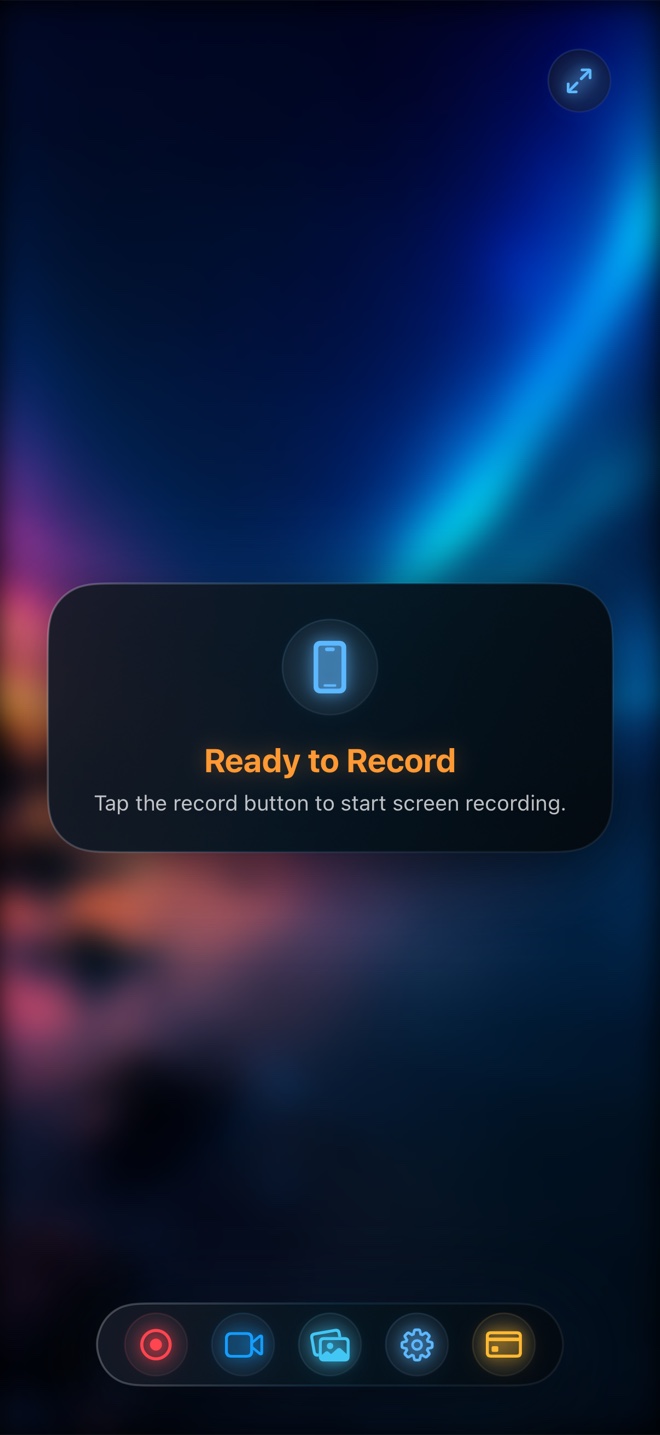
Use native TikTok Duet, Instagram Remix, or YouTube Shorts Collab ($0) when reacting to a single public clip inside that exact social network. Pick Reel Screen Recorder ($0 free up to 1080p; $0.99/mo or $14.99 lifetime Pro) when reacting live across websites, rough cuts, multi-page portfolios, or mobile apps—giving you a clean, watermark-free 9:16 MP4 with floating blurred facecam and headphone-balanced audio that you can cross-post everywhere.
| Creator Capability | Reel Screen Recorder (Live PiP) | Native Social Duet / Remix / Collab | CapCut / VN Two-Track Edit | Post-Pass Reaction Apps |
|---|---|---|---|---|
| React live while scrolling websites, PDFs, or apps | Yes — navigate Safari, Figma, Photos, or apps live on camera | No — limited to reacting to a single pre-published social video | Requires screen-recording first, then filming facecam separately | Requires importing a static saved video clip |
| Cross-post clean watermark-free MP4 to all 3 platforms | Yes — saves one clean local MP4 for Reels, TikTok, AND Shorts | Locked to that platform (downloading adds platform watermarks/music blocks) | Yes — clean MP4 export from editor | Often watermarked unless paying weekly subscription |
| Pause, scrub, and zoom target content live on camera | Yes — pause playback, pinch-zoom details, and talk naturally | Limited layout/pause controls depending on platform | Simulated via manual freeze-frames on timeline | Basic play/pause in some wrappers |
| Independent source audio vs voice commentary mix | Yes — lower clip sound 40–60% in Reel Audio tab before recording | Basic two-slider volume balance after recording | Full keyframed audio ducking on timeline | Basic post-pass slider |
| Facecam background blur or studio backdrop | Yes — on-device neural blur or photo/video loop background | Green screen effect replaces YOUR whole frame, not a clean corner PiP | Auto-cutout available in timeline editor | Rarely supported |
| Portrait 9:16 orientation lock | Yes — locks vertical framing before starting broadcast | Always 9:16 vertical | 9:16 project canvas | Varies by template |
Why Single-Platform Duets Break Multi-Channel Publishing
Short-form creators rarely post to just one feed anymore: a strong 60-second design teardown or coaching breakdown belongs on Instagram Reels, YouTube Shorts, TikTok, and LinkedIn simultaneously. When you record inside TikTok's native Green Screen or Duet camera, your master recording lives trapped inside TikTok—and saving it out bakes watermarks or triggers muted commercial audio on competing platforms.
Recording your reaction as a clean, first-generation local MP4 in Reel Screen Recorder gives you a platform-neutral master file you own outright, ready to upload natively to every channel—or send privately to a client over iMessage or Slack.
Live Scrolling and Frame Scrubbing Beat Static Video Overlays
The best commentary videos aren't passive watches—the presenter pauses on a specific frame, zooms in on a headline or swing angle, flips to a second browser tab to verify a stat, and jumps back. Static reaction-editor apps cannot follow you across Safari, Photos, and Figma.
Because Reel records the live iOS display alongside your floating Picture-in-Picture facecam, every pinch-zoom, pause, and tab switch you perform is captured organically in real time.
| Technical Dimension | Reel Screen Recorder | Native Duet / Remix | CapCut / Mobile NLE | |
|---|---|---|---|---|
| Time to publishable 60-second reaction | ~65 seconds (one real-time take, immediate MP4) | ~90 seconds (for one platform only) | 10–25 minutes (2 captures + import + sync + export render) | |
| Acoustic echo prevention | Wear AirPods/wired earbuds; Reel records clean internal audio + mic | Built-in headphone monitoring supported | Recorded separately so no speaker bleed | Headphones recommended |
| Export resolution & codec | Free 480p/720p/1080p HEVC MP4; Source Native Retina w/ Reel Pro | Compressed directly by social app uploader | 1080p/4K MP4 render (some features gated to CapCut Pro) | Typically 720p/1080p MP4 |
| DRM & copyright rules | Respects OS DRM (Netflix/Apple TV+ etc. blank); record only permitted content | Restricted to posts whose creator enabled Duet/Remix permissions | Cannot import DRM streams | Cannot import DRM streams |
| Local file ownership & privacy | 100% local MP4 on your iPhone; zero cloud account required | Stored in social app drafts / public feed | Local + optional cloud space sync |
The Hybrid Pro Workflow: Capture in Reel, Caption in 2 Minutes
You do not have to choose between Reel and a timeline editor like CapCut or Final Cut Pro—they complement each other. Instead of recording screen and face separately and wasting ten minutes lining up waveforms on a tiny phone timeline, capture the entire synced screen + blurred facecam + balanced audio take inside Reel first, then drop that single MP4 into your captioning tool to add burned-in subtitles and trim dead air.
| Format / Budget | Best Choice | Why Creators Pick It |
|---|---|---|
| Price | Reel ($0 up to 1080p; $0.99/mo or $14.99 lifetime Pro) vs Social ($0) vs CapCut Pro (~$9.99+/mo) | Reel delivers clean cross-platform 1080p masters for $0 without locking you to one network |
| Stitching a viral TikTok where original creator attribution link helps reach | Native TikTok Duet / Stitch | Keeps native attribution link and in-feed engagement mechanics intact |
| UX teardown of a startup's live mobile site or onboarding flow | Reel Screen Recorder | Lets you tap, scroll, test forms, and show facial reactions in one authentic 9:16 take |
| Coach reviewing an athlete's swing or student's rough video cut | Reel Screen Recorder (or Reel → CapCut for captions) | Scrub frame-by-frame in Photos/Files while talking with PiP facecam, then send the MP4 privately |
| Heavily memed 15-cut commentary with kinetic subtitles and B-roll | Record raw take in Reel → finish in CapCut / Final Cut | Reel captures the synced reaction in one pass; your NLE adds auto-captions and jump cuts in minutes |
Frequently Asked Questions
How do I prevent echo from the video I am reacting to?
Always connect AirPods or wired headphones before starting your reaction take. That way you hear the clip in your ears while Reel captures clean digital app audio mixed at your chosen level alongside your voice.
How do I stop my vertical 9:16 reaction video from flipping sideways if I tilt the phone?
Select Portrait orientation lock inside Reel's Options tab before starting the broadcast so your output frame stays locked in vertical 9:16.
Can I react to commercial movies or copyrighted music videos?
OS-level DRM blocks subscription streaming apps from ReplayKit capture, and you should always ensure you have permission or a valid fair-use commentary basis before publishing third-party media.
Related Comparisons & Production Guide
Reel Screen Recorder vs DU Recorder on iPhone & iPad
Compare Reel Screen Recorder vs DU Recorder on iPhone: watermark-free 1080p MP4, live cross-app PiP facecam, and $14.99 lifetime Pro vs VIP subscriptions.
Reel Screen Recorder vs Mobizen on iPhone & iPad
Switching from Android or comparing Mobizen on iPhone? Compare Reel Screen Recorder vs Mobizen on cross-app PiP facecam, watermarks, audio mixing, and Mac apps.