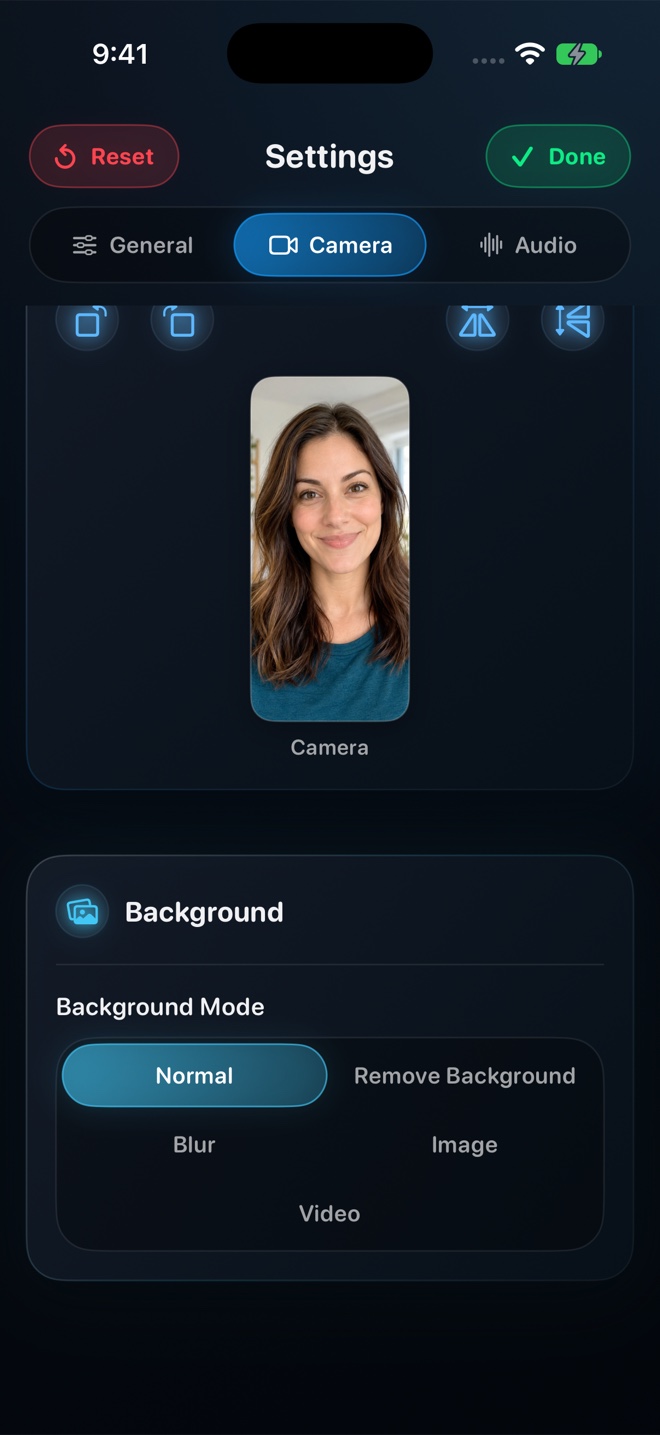
Never pay a weekly subscription just to remove a watermark or record past 60 seconds on your own iPhone. Use Apple's built-in Control Center recorder ($0) for basic silent screen clips, or use Reel Screen Recorder for $0 at 480p/720p/1080p with zero watermarks and no time limits—and if you want ad-free mobile use plus Source (Native) Retina resolution across iPhone, iPad, and Mac, Reel Pro costs $0.99/month, $9.99/year, or $14.99 once for life.
| Pricing Model | Month 1 Cost | 1-Year Total | 3-Year Total |
|---|---|---|---|
| iOS Built-In Control Center Recorder | $0 | $0 | $0 |
| Reel Screen Recorder — Free Tier (up to 1080p, no watermark) | $0 (ad-supported on iOS) | $0 | $0 |
| Reel Pro — Monthly IAP | $0.99 | $11.88 | $35.64 |
| Reel Pro — Annual IAP | $9.99 upfront | $9.99 | $29.97 |
| Reel Pro — One-Time Lifetime Unlock | $14.99 once | $14.99 | $14.99 ($0 ongoing) |
| Cloud SaaS Recorder (e.g., Loom Starter → Business) | $0 (capped) or ~$15–$18 | $180–$216 | $540–$648 |
| Typical '$5.99/week' App Store Utility Subscription | ~$25.95 | ~$311.48 | ~$934.44 |
Follow the Infrastructure: Where Does Your Money Go?
Recurring SaaS subscriptions make complete economic sense when a vendor hosts terabytes of your team's videos on cloud CDNs or runs cloud AI models on every call. They make far less sense when an iOS screen recorder simply calls Apple's on-device ReplayKit framework and writes an MP4 to your own flash storage.
Because Reel Screen Recorder runs 100% on-device—including its neural person-segmentation background blur—Arte Soft has zero cloud video servers to meter, allowing 480p, 720p, and 1080p capture to stay free and Reel Pro Lifetime to cost a flat $14.99.
How to Audit Subscriptions Before Starting Any App Store Trial
Before double-clicking the Side Button on any screen recorder paywall, check the renewal period in Apple's system payment sheet (`per week` vs `per year` vs `one-time purchase`), verify whether 1080p exports are watermark-free without paying, and check `Settings → [Your Name] → Subscriptions` on iOS to manage active renewals.
| Cost Driver | Local On-Device Recorder (Reel) | Cloud Workspace Recorder | Weekly Paywall Clones |
|---|---|---|---|
| Video encoding hardware | Your own Apple Silicon GPU / Media Engine | Local capture + cloud transcoding servers | Your own iPhone hardware |
| Video storage & bandwidth | Your local Photos library or Mac SSD ($0 server cost) | Vendor S3/CDN hosting + streaming bandwidth | Your local iPhone storage |
| AI server inference per minute | None — neural blur runs locally on Apple Neural Engine | Cloud transcription & summary tokens | None |
| Cross-device license sharing | One Apple ID unlocks iPhone, iPad, and Mac | Per-seat workspace billing | Often mobile-only |
| What happens if you cancel | Lifetime never expires; Free 1080p always works | Workspace reverts to clip/minute caps | Exports often re-locked behind paywall |
One Purchase Across iPhone, iPad, and Mac
Desktop screen recorders on macOS routinely cost $29 to $169 on their own. Because Reel is distributed as a universal Apple App Store app, unlocking Reel Pro once on your iPhone automatically restores on your iPad and Mac signed into the same Apple Account.
| User Profile | Smartest Option | Reasoning |
|---|---|---|
| Occasional creator filming 1080p tutorials with facecam | Reel Free Tier ($0) | Full 1080p, PiP facecam, blur, and audio mixer with zero watermark |
| Test native Retina pixels for a single launch week | Reel Pro Monthly ($0.99) | Less than a dollar for 30 days; cancel anytime in Apple Settings |
| Regular creator on iPhone, iPad, and Mac | Reel Pro Lifetime ($14.99) | Breaks even against the $0.99 monthly plan in 15 months and never bills again |
| Remote engineering team needing hosted URL comments | Cloud Recorder (Loom / Zight) | Recurring fee genuinely pays for cloud video hosting and team permissions |
Frequently Asked Questions
Is Reel Pro Lifetime really a one-time payment?
Yes. The $14.99 US App Store Lifetime option is a non-consumable Apple In-App Purchase with zero recurring charges, unlocking Source (Native) resolution and removing ads across your iPhone, iPad, and Mac.
Does Reel lock 1080p or add a watermark if I never buy Pro?
No. Recording at 480p, 720p, and 1080p—including cross-app PiP facecam, background blur, and independent audio mixing—is free and 100% watermark-free.
How do I restore Reel Pro on my iPad or Mac?
Install Reel from the App Store using the same Apple Account and tap Restore Purchases inside the Reel Pro screen.
Related Comparisons & Production Guide
Offline Local Screen Recorders vs Cloud Recorders: Privacy Compared
Compare offline local MP4 screen recorders (Reel, QuickTime, OBS) vs cloud link tools (Loom, Vidyard, Zight) for NDA privacy, GDPR, and Airplane Mode.
iPad Screen Recording With Stage Manager & Apple Pencil Compared
Compare iPad screen recorders for Stage Manager multitasking and Apple Pencil apps: Reel Screen Recorder vs iPadOS Control Center vs wired Mac capture.