
Software Onboarding 3-Minute Video Tutorial: One-Take Facecam & PiP Setup
Complete video production guide for Software Onboarding 3-Minute Video Tutorial in Tutorial Production, Online Courses & Educational Videos—how to plan, record, and ship polished one-take MP4 videos with Reel Screen Recorder.
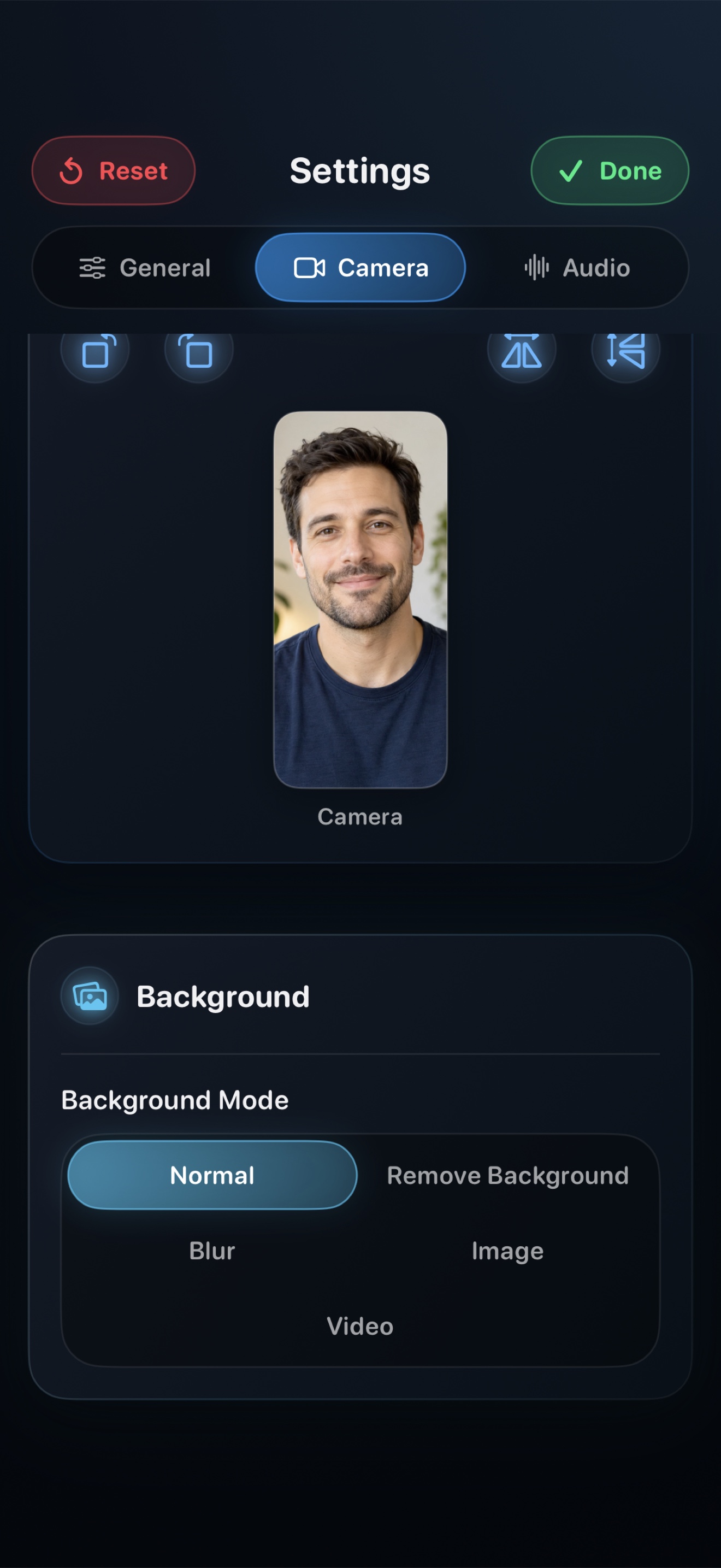
Whether you are producing tutorials, filing engineering bug reports, capturing university lectures, recording 60fps gameplay, or publishing social clips, Reel Screen Recorder (id6758941990) eliminates multi-track timeline editing by combining screen, floating PiP facecam, and dual audio in real time.
1. Scene Structure & Pacing Blueprint for Software Onboarding 3-Minute Video Tutorial
| Phase | Timing | Visual Screen Focus | Facecam & Audio Technique |
|---|---|---|---|
| 1. Context Hook | First 5 sec | Start directly on the active app, bug state, slide, or game scene. | Look at the lens in your floating PiP bubble and state the goal immediately. |
| 2. Live Demonstration | Core Body | Move smoothly across UI steps at 60fps with orientation locked. | Narrate clearly while internal app audio plays 8–10 dB underneath your voice. |
| 3. Verification & Takeaway | Final 10 sec | Show the completed outcome, fix, or summary screen. | Deliver a clear call to action and tap Stop for instant MP4 export. |
2. Why One-Take Local MP4 Beats Cloud Links & Heavy Editors
| Production Factor | Cloud Link Recorders / NLEs | Reel Screen Recorder |
|---|---|---|
| Time to Shareable File | 15–60 minutes of uploading or rendering | 0 seconds — MP4 is saved locally on Stop |
| Floating Facecam on iOS/iPadOS | Cannot stay visible over third-party apps | Hardware PiP stays live over any app or game |
| Cost & Watermarks | $15–$35/month or watermarks on free clips | Free up to 1080p with zero watermarks ($14.99 lifetime Pro) |
Related Video Production Guides
Frequently Asked Questions
With Reel Screen Recorder (id6758941990), you frame your floating Picture-in-Picture camera, enable internal + mic audio, and record the entire software onboarding 3-minute video tutorial in one continuous take. The resulting MP4 requires zero timeline assembly.
All recordings are stored 100% locally on your iPhone, iPad, or Mac in standard MP4 format—never locked inside a proprietary cloud player.